Category: Communication
Developer: Samsung Electronics Co., Ltd.
 Verified App


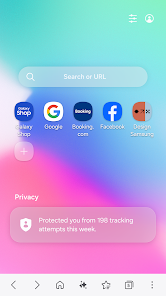
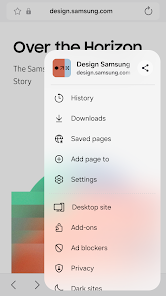
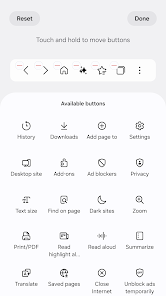
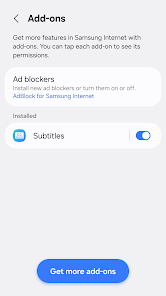
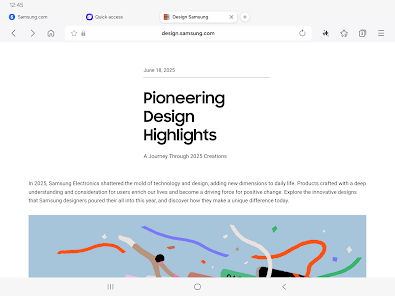
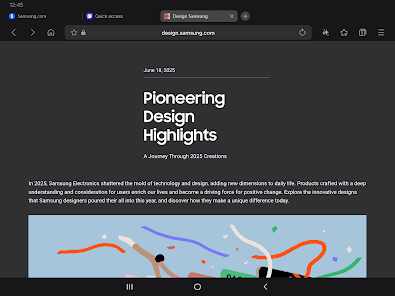
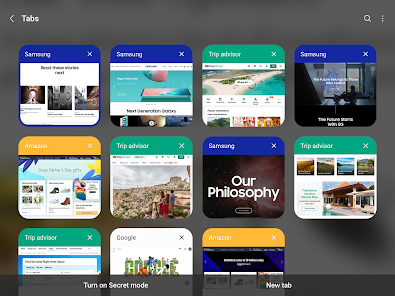
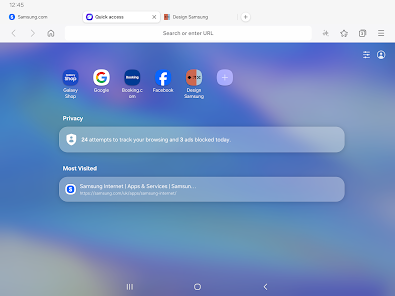

 Experience lightning-fast browsing Enjoy enhanced privacy features Access to exclusive beta tools Seamless integration with Samsung User-friendly interface design
 Limited extension support Occasional stability issues User interface can be clunky Fewer customization options Inconsistent performance levels
  Google Play
  App Store

Used to be great until this recent update. It says that this is more for one-handed use, but they've gotten rid of the quick access to bookmarks on the bottom bar. That's the only reason I used this over Chrome. Instant one-handed access to bookmarks. Unless I'm one of the few that use this feature, this is a major buzzkill. Bring this feature back pronto, please.
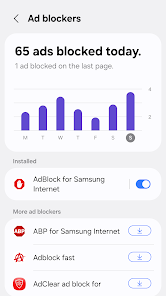
It's number 1 in my top 5 list for android browsers. It has the best adblock settings & by far the best download manager. No large downloads have failed once on it unlike others I've used including Edge & Chrome, that have failed downloads at least a few times. But loading web pages is a bit slow compared to other browsers in my top 5.
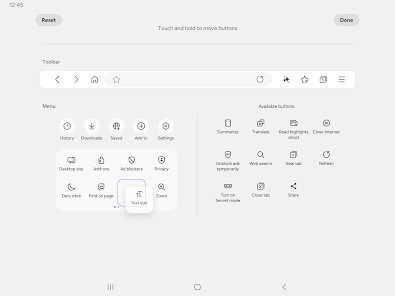
I’m a regular user of Samsung Internet. While the new wallpapers and UI look great, some changes feel like a downgrade. The 'Shortcut Menu' was much more useful when it was at the bottom and fully customizable. Other apps like Samsung Gallery are evolving well with One UI, but these browser changes feel like a step backward in usability. I hope you’ll consider bringing back the previous customization options. Thank you for the great work!
This was a 5 star until they decided to change the quick menu layout into a scroll instead of what it was. They also removed the 'add new tab' and 'incognito mode' from the task bar. It was perfect and easy to use. This new update is a step backwards. For now I'll be using the regular Samsung Internet Browser but if infects the Base version I will be moving away to a different browser. At least give the option to keep the other better layout.
been using this app for a long time and I actually like the functionalities on my phone. as my default browser. I think with the new update, they've removed the 'add new tab' and 'incognito mode' from the task bar. It would be good to have those back 👌🫡
Review Source: Google Play store public user reviews.
Can I submit suggestions or feedback to Samsung Browser Beta? Yes, users can submit feedback through the app's settings or via the Samsung Members app.
You can reach Samsung customer service through the Samsung Members app or by visiting the Samsung support website for assistance.
Open the app, tap on the menu icon, and select 'Log in' to enter your Samsung account credentials.
Some features may require you to enable them in the app settings or through the Samsung Members app. Check for any prompts within the app.
The customer service number for Samsung varies by region; please check the Samsung website for the specific number for your location.
v30.0.0.63* Supports text search within images