Version: 2.6.1
Developer: Dingtone Communications Ltd
 Verified App
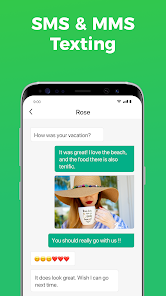
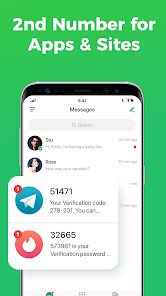
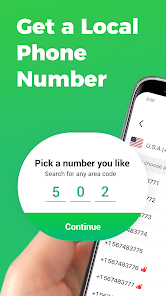
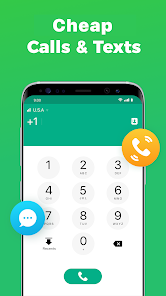

 Stay connected privately Get a second number easily Manage calls and texts seamlessly Protect your personal info Perfect for business use
 Limited call quality at times Subscription fees can add up Not available in all regions Reliance on internet connection Potential privacy concerns exist
  Google Play
  App Store
 You can reach customer service through the app's settings or visit their official website for support options.
After downloading the app, follow the on-screen instructions to select and activate your new phone number.
Open the app, enter your registered phone number, and follow the prompts to log in.
The customer support number is typically found in the app's help section or on their website.