Version: 8.50
Developer: Appsverse, Inc.
 Verified App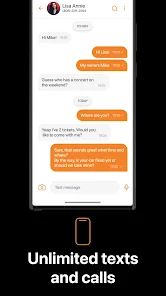
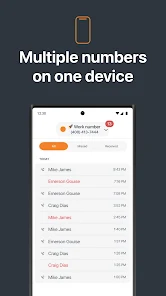
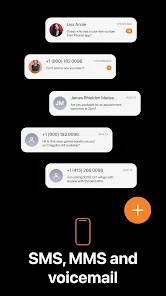
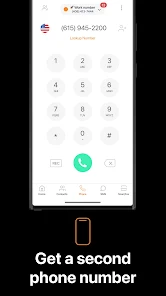
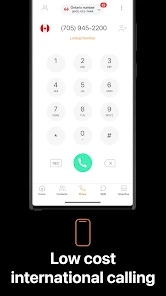
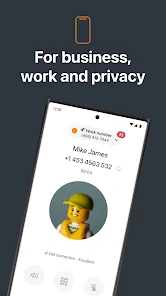
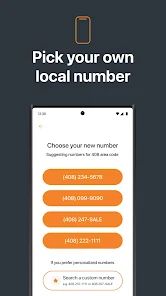

 Phoner: Second Phone Number app offers a range of benefits for users seeking privacy and convenience. Easily manage multiple numbers Protect your personal information Make calls and send texts securely Choose from various area codes Affordable plans for every need
 Limited call quality at times Subscription fees can add up Not available in all regions Occasional app crashes reported Customer support response delays
  Google Play
  App Store
 Yes, users can submit suggestions or feedback through the app or the official website's contact form.
Phoner may collect some personal data for account creation and service improvement, but it prioritizes user privacy.
Phoner requires an internet connection for most features, including calls and texts, so it does not support offline use.
You can cancel your subscription through your app store settings or within the app's subscription management section.
Subscription costs vary based on the plan chosen, typically starting at a few dollars per month.
You can reach customer service through the app's support section or by emailing support
After purchasing a number, it will be activated automatically. You can start using it immediately.
Open the app, enter your registered email and password, then tap 'Log In' to access your account.
The customer number is typically found in the app under account settings or in your confirmation email.