Category: House & Home
Developer: Naba
 Verified App


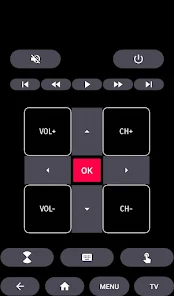
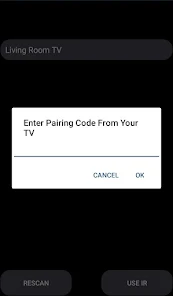
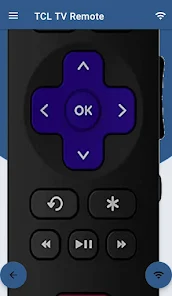
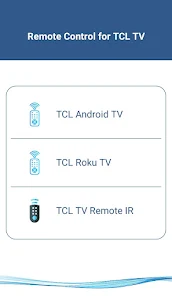
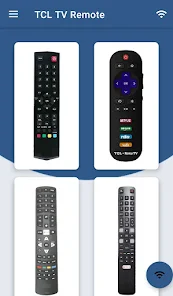
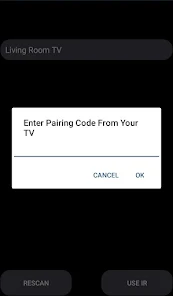
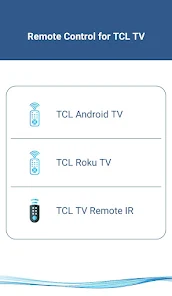
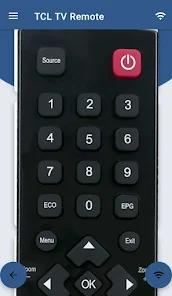
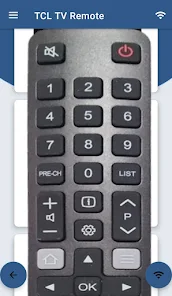
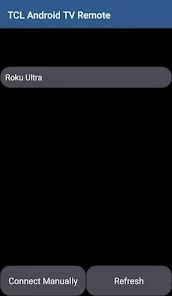
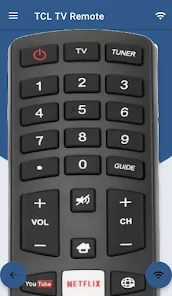
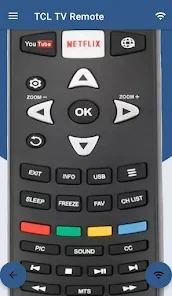
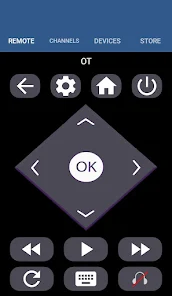
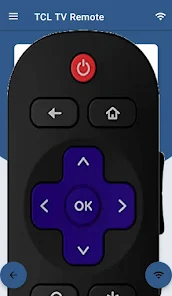
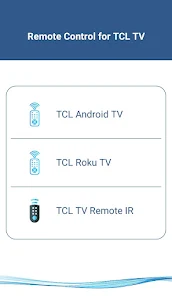
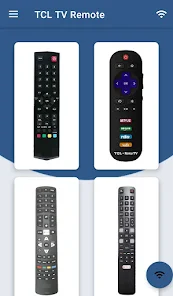
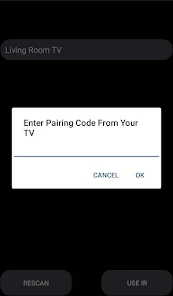
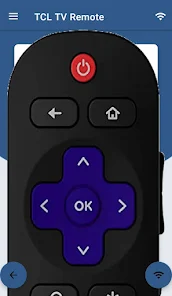
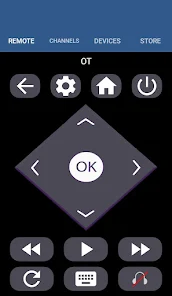
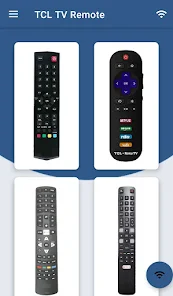
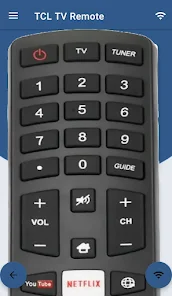
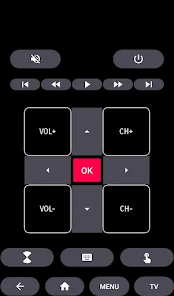
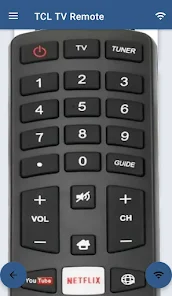
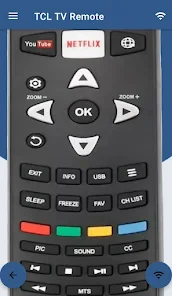

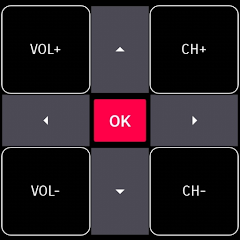
 Control your TV from anywhere User-friendly interface design Quick access to favorite apps Voice search for easy navigation Seamless device pairing process
 Limited functionality compared to a physical remote Occasional connectivity issues with devices User interface can be confusing Requires constant app updates Battery drain on mobile devices
  Google Play
  App Store
great👍
it's working
works very exceptionally smart. it's a great working tool.

works great when it connects to the TV unit, that's the catch......
very poor
Review Source: Google Play store public user reviews.
Yes, users can submit feedback and suggestions through the app's support or contact features.
The app may collect usage data and device information, but it typically does not collect personal data without consent.
No, the app requires an internet connection to function properly and connect to the TV.
Since the app is free, there is no subscription to cancel. Simply uninstall the app if you no longer wish to use it.
The app does not require a subscription; it is free to use without any hidden fees.
No, you do not need to log in to use the app; it can be used without an account.
You can reach TCL customer service through their official website or by calling their support number listed in the app's help section.
To activate the app, connect it to your TCL TV via the same Wi-Fi network and follow the on-screen instructions to pair the devices.
Yes, you can find the customer support number in the app's settings or on the TCL website under the support section.
>>>>> Out Of Memory Issue Resolved>>>>> Heap Size Increased
RoomGPT AI - Interior Design
ZoomOn Home Security Camera

Renovate AI : House Design

Rachio

Pool Pilot - Pool & Spa Care

Paint my Room - Try wall color

Itemtopia Home Inventory
Aqarimmo

Property Finder - Real Estate
YoLink

My Verisure
Home Security Camera - SeeCiTV