Category: House & Home
Developer: Geny Studio
 Verified App


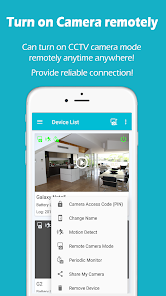
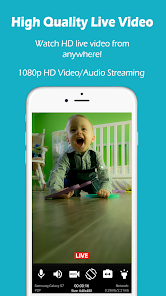
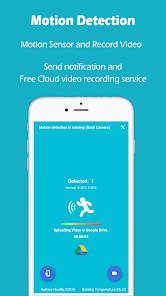
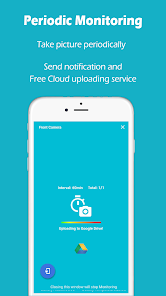
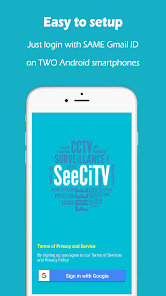
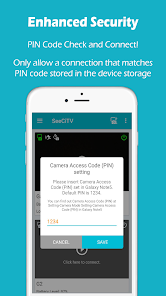
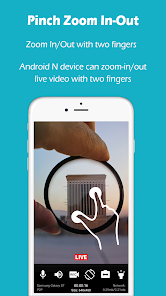
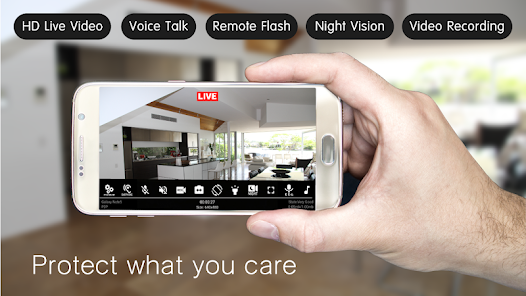

 Enhance your home security Live streaming from anywhere Receive instant motion alerts Easy setup and user-friendly Store footage in the cloud
 Limited cloud storage options High subscription fees apply Privacy concerns with data use Requires stable internet access Potential for false alerts
  Google Play
  App Store
good working with old android phone for cctv, thanks to application creater
nice
it's so fantastic
ok

best app
Review Source: Google Play store public user reviews.
Yes, users can submit feedback and suggestions through the app's support section or website.
SeeCiTV may collect personal data for account creation and service improvement, but it prioritizes user privacy.
Yes, SeeCiTV allows limited offline functionality, but full features require an internet connection.
You can cancel your subscription through the app settings or your app store account settings.
Subscription costs vary based on the plan chosen, typically starting at a low monthly fee.
You can reach customer service through the app's support section or by visiting the official website for contact details.
Open the app, enter your registered email and password, then tap 'Log In' to access your account.
Yes, follow the in-app instructions to connect your camera to Wi-Fi and complete the activation process.
The customer service number is available on the official SeeCiTV website under the contact section.
Bug fixes