Category: House & Home
Developer: Room Planner Ltd
 Verified App


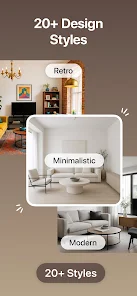
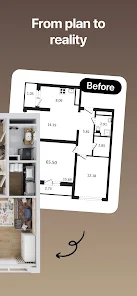
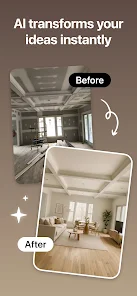
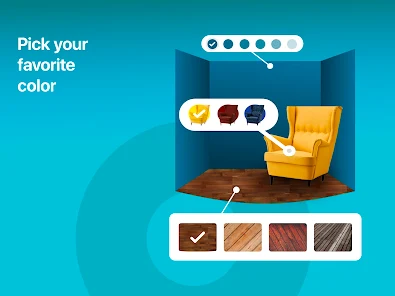
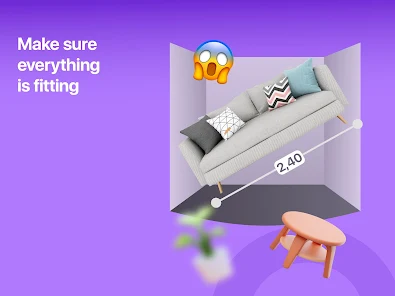
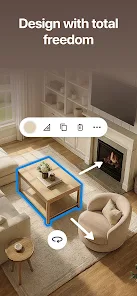
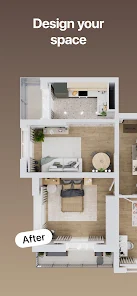
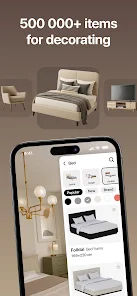
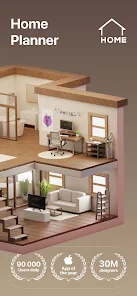
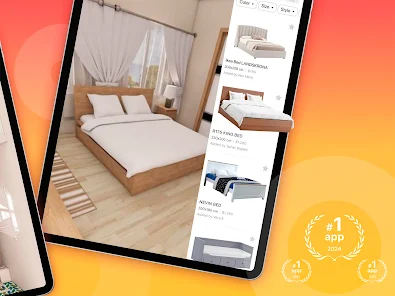



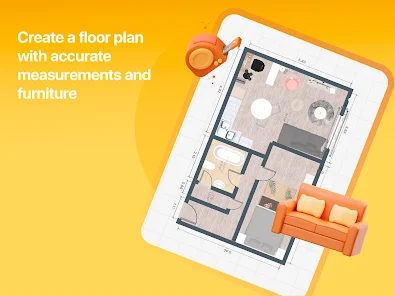
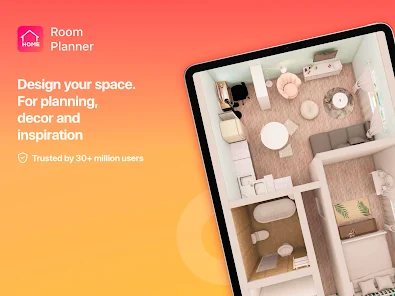
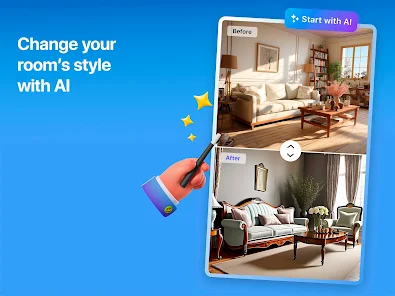
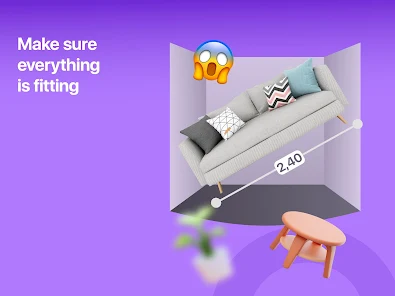
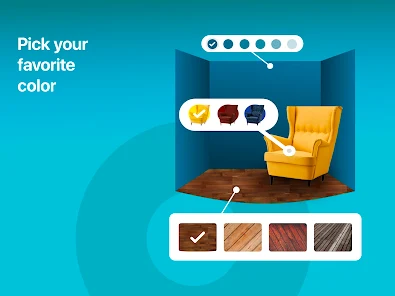
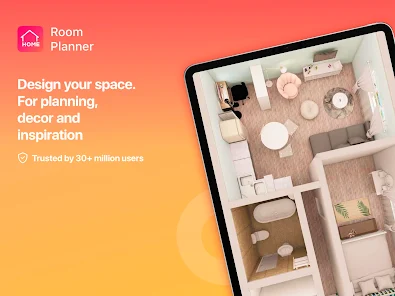

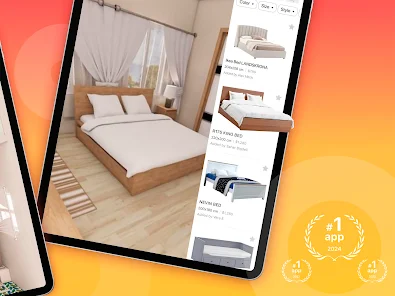
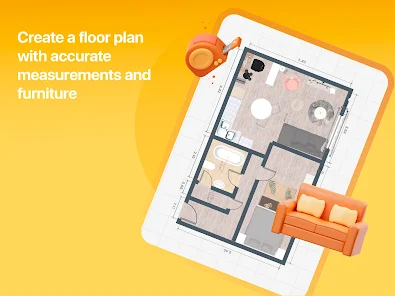

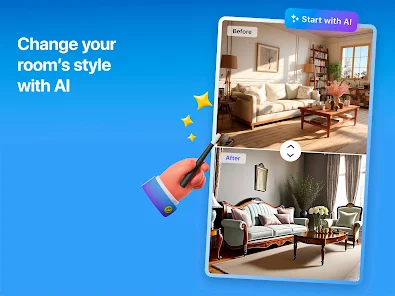
Room Planner - Home Design 3D App is a powerful and easy-to-use interior design and home decorating tool. It allows users to create detailed 3D floor plans of their home and visualize their ideas in 3D. The app features a library of over 1,000 items of furniture and accessories, which can be placed in the 3D environment to create a realistic representation of the user's home. The app also allows users to customize the colors, textures, and materials of the furniture and accessories, as well as the walls, floors, and ceilings. Additionally, users can take snapshots of their designs and share them with friends and family. Room Planner - Home Design 3D App is a great tool for anyone looking to create a beautiful and functional home.
Features & Highlights
Room Planner - Home Design 3D stands out in the crowded home design app market with its intuitive features and user-friendly design. Whether you're an aspiring interior designer or simply looking to revamp your living space, this app has something for everyone. Here are some of its core features that make it a must-have:
Real Experience Using Room Planner - Home Design 3D
Application Scenarios
I've found myself using Room Planner - Home Design 3D in various scenarios, each showcasing its versatility. For instance, when I moved into my new apartment, I was overwhelmed with the blank canvas of the space. The app became my go-to tool for visualizing different layouts. I spent hours playing around with the placement of my sofa, coffee table, and entertainment unit, ensuring that everything fit perfectly before lifting a finger to move any actual furniture.
Another scenario was during a recent family gathering. I had planned to set up a cozy outdoor seating area. With Room Planner, I quickly sketched a layout and used the AR feature to visualize how the seating would look on my patio. It not only helped me make quicker decisions, but it also impressed my guests when I shared my design approach.
User Experience
The user experience with Room Planner is seamless and enjoyable. The app's interface is clean and intuitive, making it easy for anyone, regardless of their tech-savviness, to dive right in. The onboarding process was straightforward, guiding me through the essential features without overwhelming me with information. Navigating through the furniture library felt like an exciting treasure hunt, and the drag-and-drop functionality simplified the workflow immensely.
Performance-wise, the app runs smoothly on my device with minimal lag, even when rendering 3D models. I particularly appreciated the ability to undo changes easily, allowing me to experiment without fear of making irreversible mistakes. Overall, Room Planner has turned what could have been a daunting task into a fun and creative process.
Pricing
Room Planner - Home Design 3D operates on a freemium model. The basic version is free, allowing users access to many of the essential features. However, for those craving more advanced tools and a broader selection of furniture items, a subscription plan is available. The pricing for premium features is reasonable, making it accessible for casual users and professionals alike. Given the quality of the app, I found the investment well worth it.
Updates & Support
The developers of Room Planner are committed to enhancing user experience, regularly pushing updates that introduce new features and furniture options. I’ve noticed improvements in both the AR and 3D modeling capabilities with each update. Customer support is also commendable; I reached out once with a question about a feature, and the response was prompt and helpful. This level of support makes me feel valued as a user.
Security & Privacy Review
For American users, security and privacy are paramount when using any app, and Room Planner - Home Design 3D takes these concerns seriously. Available on both the App Store and Google Play, the app has a solid reputation and positive user reviews regarding its security measures. However, like many apps, it requires registration to access all features, which means you’ll need to provide some personal data. Fortunately, the app’s privacy policy outlines how this data is used and protected, giving peace of mind.
Regarding ads or tracking behavior, I’ve noticed that the app is relatively straightforward. It does not bombard users with intrusive advertisements, which is a big plus. There may be some level of tracking activity for analytics purposes, but it seems to be minimal and not intrusive, allowing for a smooth user experience. Overall, I feel secure using Room Planner, and I appreciate the transparency in how my data is handled.

 Design your space in realistic 3D for better visualization. Easily rearrange furniture for optimal layouts. Access a vast library of decor and furniture options. Save time and avoid costly design mistakes. Share and collaborate on designs with friends and family.
 Limited furniture and decor options restrict creative design possibilities. Occasional software glitches may disrupt the user experience. Requires a steep learning curve for new users unfamiliar with 3D modeling.
  Google Play
  App Store
It was really good for planing out my room. Its quite easy to use and there are alot of options even withount having to pay. I was editing on mobile and it still worked really well, but it might work even better on a bigger screen.
wow ez
great app very helpful

ужасно неудобно
everything good requires a ridiculously expensive subscription
Review Source: Google Play store public user reviews.
Yes, users can submit suggestions or feedback through the app's support or feedback section, which helps the developers improve the app.
Room Planner: Home Interior 3D may collect personal data as outlined in its privacy policy, primarily to enhance user experience and improve app functionality.
Yes, Room Planner: Home Interior 3D allows users to work offline, though some features may require an internet connection for full functionality.
To cancel your subscription, go to your account settings within the app or your device's app store settings, and follow the instructions for managing subscriptions.
The subscription cost for Room Planner: Home Interior 3D varies based on the plan selected, with options for monthly or yearly payments. Please check the app for current pricing details.
Customer numbers are unique and cannot be changed. If you have issues, please reach out to customer service for help.
Simply open the app and enter your registered email and password. If you encounter issues, use the password recovery option.
To change your email, please contact customer service with your current email and the new one you'd like to use.
You can reach our customer service team via the help section in the app or by emailing support
To reset your password, click on "Forgot Password" on the login page and follow the instructions sent to your email.

RoomGPT AI - Interior Design

ZoomOn Home Security Camera

Renovate AI : House Design

Rachio

Pool Pilot - Pool & Spa Care

Paint my Room - Try wall color

Itemtopia Home Inventory

Aqarimmo

Property Finder - Real Estate

YoLink

My Verisure

Home Security Camera - SeeCiTV