
Category: Business
Developer: Aqore
 Verified App



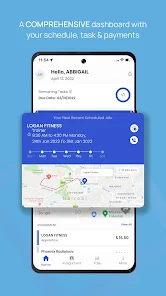
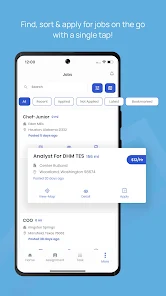
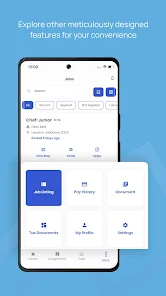
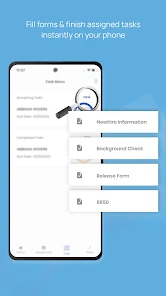
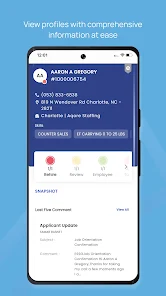
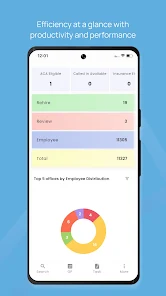
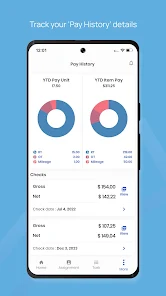

 Streamline your hiring process Access a diverse talent pool Real-time scheduling made easy User-friendly interface design Boost team collaboration efforts
 Limited customization options User interface can be confusing Occasional performance issues Lack of offline functionality Customer support response time
  Google Play
  App Store

No options only a few jobs on the list and only in 5 locations that are not in my vicinity at all!! Horrible app do not waste your time.
Simple and easy to use. Click and apply with resume and profile.
I do not believe this app. I think this is something that the staffing agency directs you to if they don't like you nor want to hire you to make you think and feel like you will have some luck. Download it and look at it. This is a joke.
Review Source: Google Play store public user reviews.
Can I submit suggestions or feedback to StaffNow? Yes, users can submit feedback and suggestions through the app or via the official website.
You can reach Customer Service through the app's support section or by emailing support
To activate, click the link in the confirmation email sent after registration. Follow the instructions provided.
Open the app, enter your registered email and password, then tap 'Log In.'
The Customer Number can be found in your account settings or on your subscription confirmation email.
- Added workday filter & job recommendations.- Enhanced navigation, QR scanner.- Added referral link for employee.- Improved performance and stability.