Category: Business
Developer: HiHello Inc
 Verified App


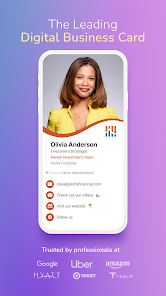
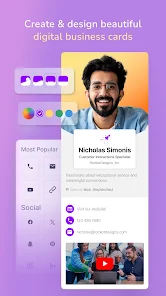
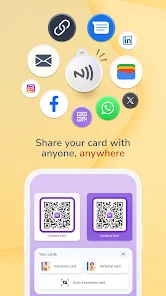
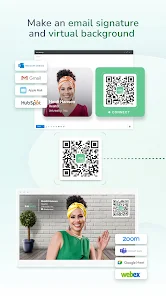
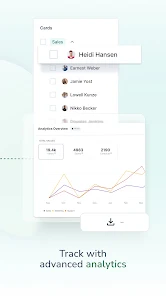
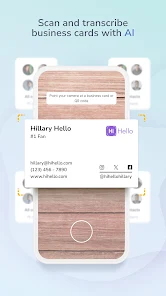
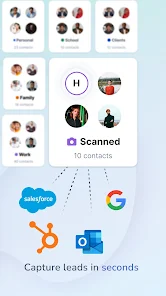
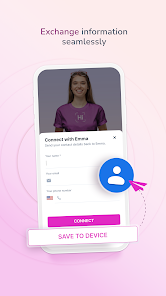
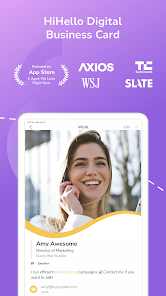
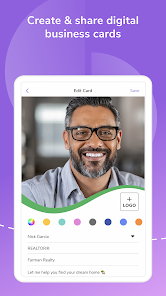
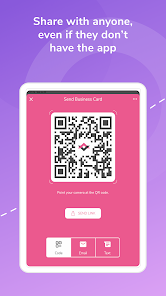
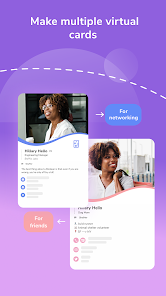
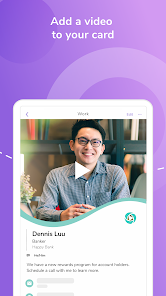
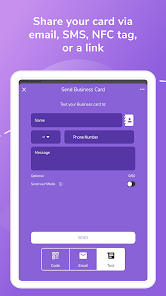
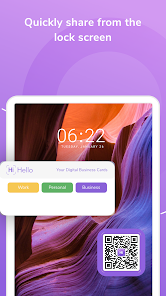
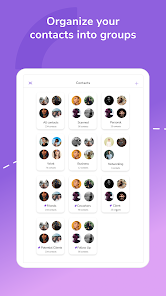

 HiHello: Digital Business Card app offers a seamless way to share your contact information. Effortlessly create custom cards. Share your card via QR code. Update your details in real-time. Store contacts in one place. Eco-friendly alternative to paper.
 Limited customization options Dependence on internet access Potential privacy concerns Compatibility issues with devices Subscription costs for premium features
  Google Play
  App Store
Great Digital Business Card! I love the fact that it's easy to customize, comes with a QR code, and has a digital email signature. It's also great for people with multiple businesses because it gives you the option for multiple business cards and branding. Not to mention, the pricing is great for small businesses. 10/10 highly recommend.
I'm using the free version and I like it enough to recommend it to others while we're using it. It was so easy to spin up different "cards" on the fly. especially when I realized I had forgotten to make cards for a side gig I have. This app has been a game changer for me at networking events. I usually lose business cards so having it all somewhere digitally is very helpful. Only feedback: I think it could be little more clear that someone is being prompted to send me THEIR info after scanning.

Excellent app. Extensive set of features. Changed from 5 to 2 stars. have been a user of Hi-Hello almost since the beginning. Stating with the free subscription, I moved to the professional within just a couple of months. When subscribing, the offer was for "unlimited cards." When attempting to add another card today, I was prompted to upgrade. When reaching out to support, I was told that "many improvements have been made and the decision was made to limit the professional plan to 16 cards.
I like the app. I would have given 5 stars because the card is really nice to be free, but I don't really like that you can't just send out your card by itself. You have to send it as a link where they have to sign up for the app. I think once ppl see how awesome the cards look they will WANT to know where we got them. Then once they know it's free, the app will spread like wild fire... don't need to force sending as an app. Just my opinion, but word of mouth advertising is the way to go!
I can not say enough good about using this app. Working in the non-profit world, I have gotten many set up to have this rather than a bunch of qr code for different activities and trying to keep them all organized without labels. Here, I can edit it in a millisecond with the proper link. We've had times where we want to track the stats, and it was easy to go from unpaid version to paid for our event and then back to unpaid after a couple months of data were collected. Great for baby showers too!
Review Source: Google Play store public user reviews.
Can I submit suggestions or feedback to HiHello? Yes, HiHello encourages user feedback and suggestions, which can be submitted through the app or their official website.
You can reach HiHello customer service through the app's support section or by visiting their website for contact details.
Open the app, enter your email and password, then tap 'Log In' to access your account.
If you signed up, check your email for an activation link. Click it to activate your account.
HiHello does not publicly list a customer number; please use the in-app support or website for assistance.
We made bug fixes and enhancements to make the HiHello app a more delightful experience. Happy networking!