
Version: 5.3.8-TestEmAll
Developer: justDice GmbH
 Verified App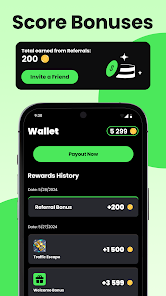
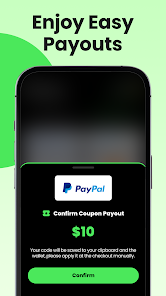
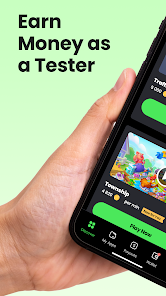

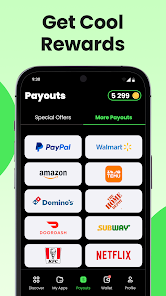

 Test'em All: Test & Get Paid offers a unique opportunity for users to earn while providing valuable feedback. Enjoy flexible testing hours that fit your schedule. Get paid for every test you complete, ensuring your time is valued. Access a variety of apps and products to test and review. Join a community of testers and share insights with others. Enhance your skills and gain experience in app evaluation.
 Limited testing opportunities Low payout rates for tasks Inconsistent app performance Time-consuming test processes Requires constant updates
  Google Play
  App Store
 Can I submit suggestions or feedback to Test'em All: Test & Get Paid? Yes, users can submit feedback and suggestions through the app's support section or via email.
You can reach customer service through the app's support section or email them at support
Open the app, enter your registered email and password, then tap 'Log In.'
Yes, you can activate your account by clicking the verification link sent to your email after registration.
The customer number is typically found in the app under the 'Contact Us' section.