Version: 4.4.1
Developer: GTL ES
 Verified App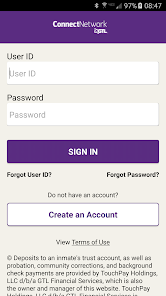
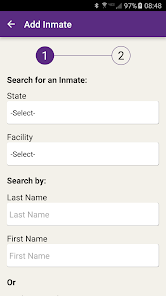
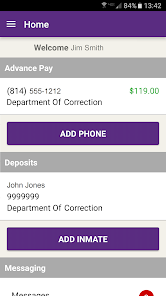
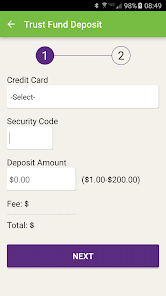
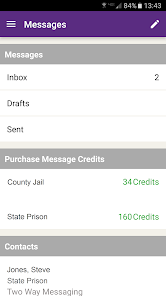
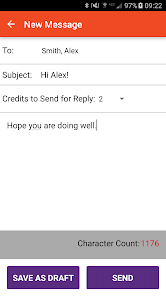

 Stay connected with loved ones Easily send messages and photos Access video calls anytime, anywhere Manage your account effortlessly Receive real-time notifications
 Limited customer support options Frequent app crashes reported High fees for transactions User interface can be confusing Slow loading times experienced
  Google Play
  App Store
 Yes, users can submit feedback through the app or the official website.
Yes, the app collects personal data to facilitate communication and account management.
No, the app requires an internet connection to function properly.
You can cancel your subscription through the app's settings or by contacting customer support.
Subscription costs vary based on services used, such as messaging and video calls.
Yes, log in to your account, go to 'Profile' settings, and update your information as needed.
Log in to the app, navigate to the 'Account' section, and your balance will be displayed there.
You can reach Customer Service at 1-877-650-4249 for assistance with your account or services.
After logging in, go to 'Add Funds' and follow the prompts to complete your transaction using a debit or credit card.
Open the app, enter your registered email and password, then tap 'Log In' to access your account.