Category: Health & Fitness
Developer: Centre for Applied Ethics
 Verified App


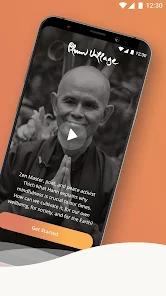
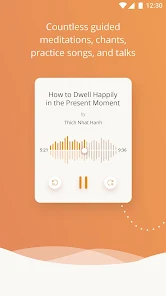
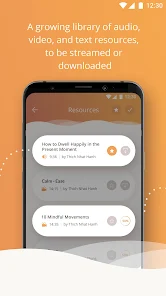
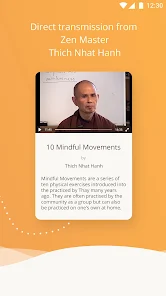
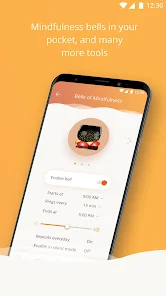
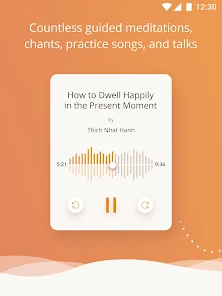
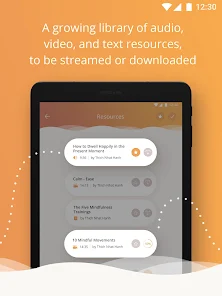
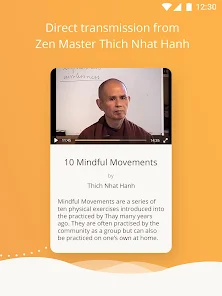
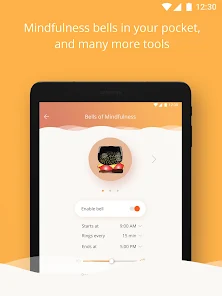

 Experience guided meditations Explore mindfulness practices Join a supportive community Access teachings from Thich Nhat Hanh Track your mindfulness journey
 Limited content updates User interface can be clunky Some features require payment Not suitable for beginners Occasional technical glitches
  Google Play
  App Store
Wonderful app. Helps me to find moments in the day to practice. I very much enjoy the bell reminder. I have mine set hourly and, whatever I am doing, I stop when I hear it and breathe for at least 3 breath cycles. I have really enjoyed the deep relaxations as well. I also love the Dharma talks and listen to them on walks. They are always adding new content and you have the ability to download and save your favorites. I highly recommend this app.

Full of well-organized content. Very impressive and accessible! I got the app for the timer I can set to ring a mindfulness bell every 5-to-60 minutes. Downside: every time the bell goes off, it adds a notification to the notification bar. They stack up throughout the day. Ironic that it's a mindfulness practice that wants me to check my phone every time it goes off. Played with the settings for a while, seems impossible to turn off the notification without turning off the bell entirely. Edit: Also I can't make the bell stop going off every 5 minutes, now, even though it's completely turned off.
This app is everything I've been looking for. However, when I set the meditation timer, I don't want any interval bells. Even when I set it to "no bells" it still chimes about every 10 seconds. Am I perhaps doing something wrong? EDIT: I was doing something wrong, I just needed to wait to let the bells chime 3 times and then they are silent the rest of the meditation :) This is a wonderful app and everyone who works on it is so kind. I feel calmer simply by opening it!
I discovered Plum Village and the Dharma Talks on You tube. They helped me through an extremely difficult time and further, helped add depth, meaning, and joy to my life. I found out about the app while listening to the podcast "The Way Out Is In". It is very easy to navigate, and provides many resources for bringing yourself home, practicing mindfulness, and learning. The soothing familiar voices of the monastics are with me always now, thanks to this app.
I like this app's variety of meditations, chants, and lessons. I mostly use the talks on fear and depression and the shorter morning and evening meditations. It's easy to add the short ones onto my daily 10-15 minute practice. The app has a clear spiritual/religious grounding (Buddhism), but I don't feel like I need to be Buddhist to appreciate the lessons. In fact, I kind of like that all the meditations and teachings are grounded in a consistent point of view.
Review Source: Google Play store public user reviews.
Can I submit suggestions or feedback to Plum Village: Mindfulness App? Yes, users can submit feedback and suggestions through the app's support section or contact options provided.
You can contact customer service through the app's support section or visit their official website for assistance.
Open the app, tap on 'Log In', and enter your registered email and password.
If activation is required, follow the instructions in the app after downloading, or check your email for an activation link.
The customer number is typically not provided; please use the app's support feature for inquiries.
- Improved search to make finding teachings and content easier- Meditation Timer screen stays on during sessions- Practice Tracking: weekly stats now respect your device's locale- Bug fixes and performance improvements