Version: 7.7.1-85e1eee
Developer: AT&T Services, Inc.
 Verified App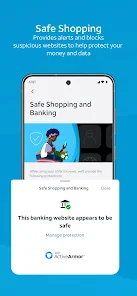
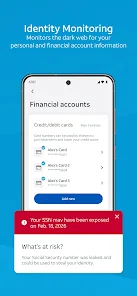
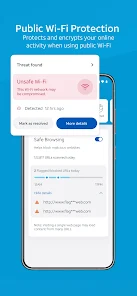
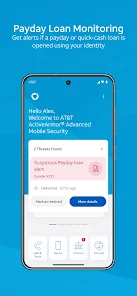
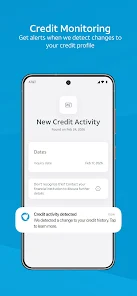
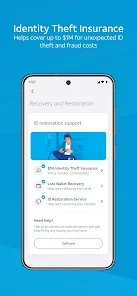
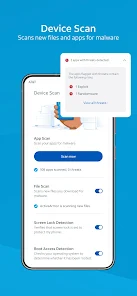
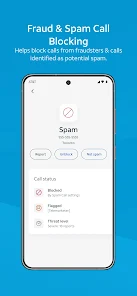

 Protects against fraud alerts Real-time threat detection Enhanced network security User-friendly interface Customizable privacy settings
 Limited compatibility issues Inconsistent performance rates Requires AT&T service plan Potential privacy concerns User interface can be complex
  Google Play
  App Store
 Can I submit suggestions or feedback to AT&T ActiveArmor®? Yes, users can submit feedback and suggestions through the app or by contacting AT&T customer support.
You can reach AT&T customer service by calling 1-800-288-2020 or visiting their website for live chat support.
Download the app from the App Store or Google Play, then log in with your AT&T credentials to activate it.
Open the app and enter your AT&T user ID and password. If you don’t have an account, you can create one within the app.
Your customer number can be found on your bill or by logging into your AT&T account online.