Version: 2025.11
Developer: Mullvad VPN AB
 Verified App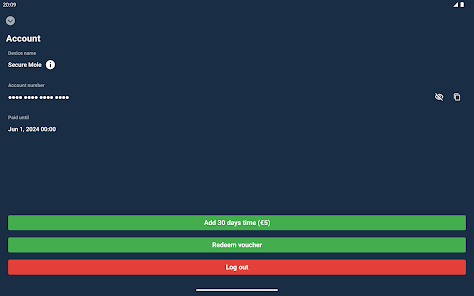
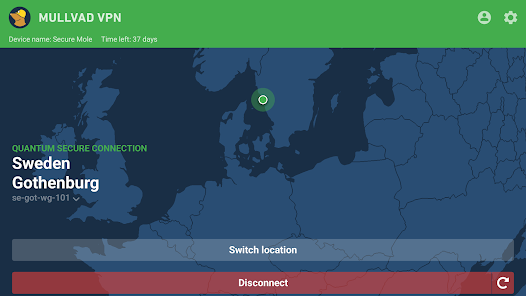
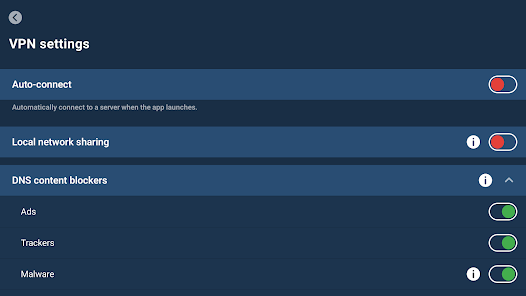
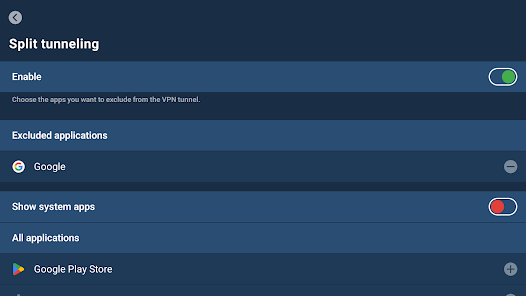
Features & Highlights
Real Experience Using Mullvad VPN
Application Scenarios
In my daily routine, I often find myself needing a reliable VPN for various reasons. For instance, while working remotely from a coffee shop, I use Mullvad VPN to ensure my connection is secure, especially when accessing sensitive work documents. Additionally, during my travels, I frequently connect to hotel Wi-Fi networks that can be unsecured. Mullvad's robust encryption helps me surf the web without the fear of hackers intercepting my information. Furthermore, I enjoy streaming international content; with Mullvad, I can easily switch to a different country server to access shows that are typically restricted in my region.
User Experience
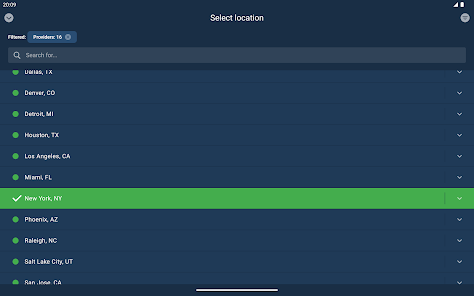
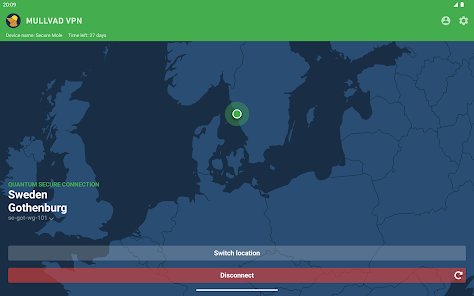
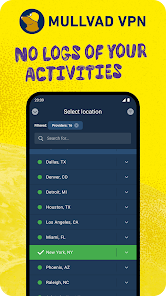
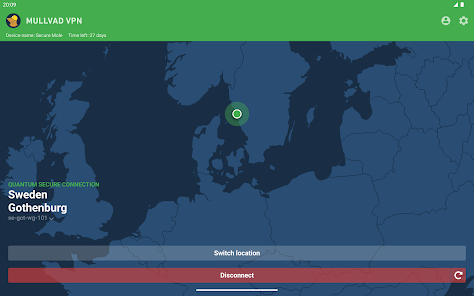
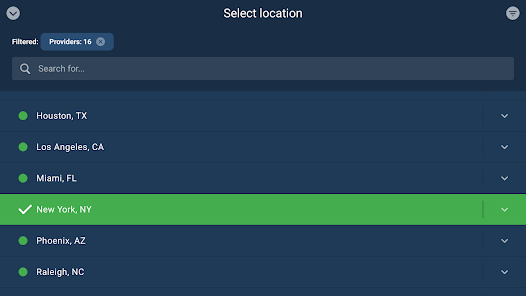
Using the Mullvad VPN app has been a refreshing experience. The user interface is clean and intuitive, allowing me to connect to servers with just a couple of taps. The workflow is straightforward: I open the app, choose a server location, and click “Connect.” The performance has been impressive, with minimal impact on my internet speed—a crucial factor for streaming and gaming. Overall, I appreciate the simplicity and efficiency of the app, which has made my online activities much more secure and enjoyable.
Pricing
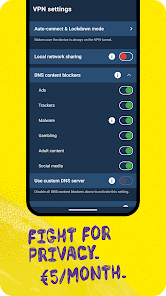
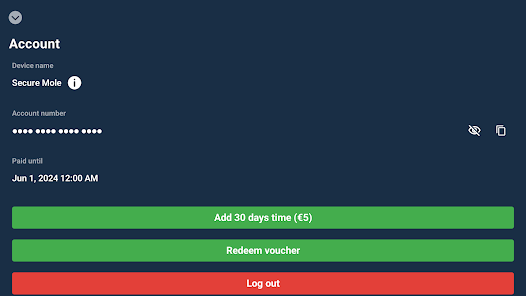
Mullvad VPN operates on a unique pricing model: a flat rate of €5 per month, with no long-term contracts or hidden fees. This straightforward pricing structure makes it easy to budget for without worrying about additional costs. I find it particularly appealing as I can pay month-to-month, which allows me to evaluate my usage without commitment.
Updates & Support
Mullvad has consistently provided updates to enhance user experience and security features. Their support team is also diligent, with a responsive help center and extensive FAQs. I once encountered a minor issue with server connectivity, and their support team responded promptly, helping me resolve it quickly. This level of customer service reinforces my confidence in the brand.
Security & Privacy Review
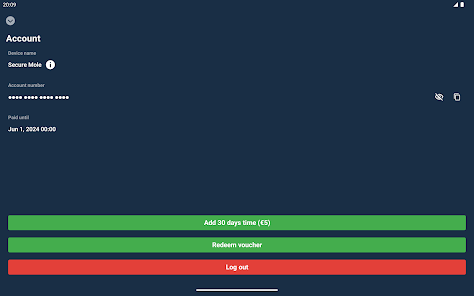
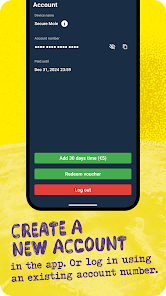
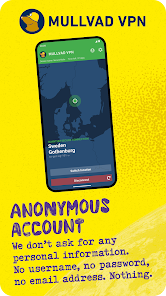
For American users, security and privacy are paramount, especially in an era where data breaches and online tracking are rampant. Mullvad VPN is available on both the App Store and Google Play, ensuring that you download from trusted sources. One of the most commendable aspects of Mullvad is its commitment to user privacy; it does not require any personal information when creating an account. You are simply assigned an account number, which is all you need to connect.
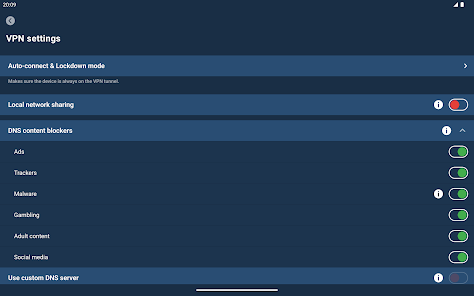
Moreover, Mullvad does not engage in ad practices or tracking behavior, which is reassuring for users concerned about their online footprint. Unlike many free VPN services that monetize through ads or data collection, Mullvad’s business model relies solely on subscriptions, allowing users to browse without fear of being targeted by ads or having their data sold. This transparency in data practices makes Mullvad VPN a trustworthy choice for those prioritizing online privacy and security.

 Mullvad VPN ensures your privacy No logs stored, full anonymity Fast and reliable connections Easy-to-use across devices Strong encryption for security
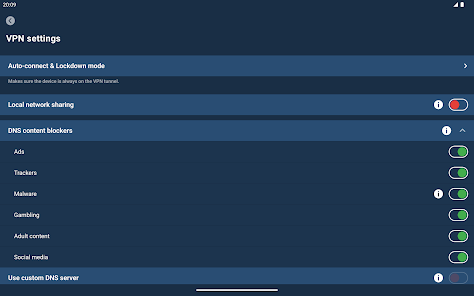
 Limited server locations No free trial available User interface can be complex No built-in ad blocker
  Google Play
  App Store
 Yes, Mullvad VPN enhances user anonymity by not requiring personal information for account creation and by implementing strong encryption. However, users should also practice good online habits to maintain their privacy.
Yes, Mullvad VPN can be used for online gaming. It helps reduce lag and latency in some cases and protects against DDoS attacks. However, users may need to choose server locations strategically to optimize their gaming experience.
Yes, Mullvad VPN can be used for streaming, and it generally works well with various streaming services. However, users may need to switch servers if they encounter restrictions, as some streaming platforms actively block VPN traffic.
Yes, Mullvad VPN allows users to connect multiple devices simultaneously. You can use the service on up to five devices at the same time, making it convenient for users with multiple gadgets.
No, Mullvad VPN has a strict no-logs policy. This means that they do not track, log, or store any information about your online activities, ensuring a high level of privacy for users.
You can reach Mullvad's customer service via their support page on the website or by emailing them directly at support
Your subscription activates automatically once you create an account and pay for the service. Simply log in to start using the VPN.
Your Mullvad customer number can be found in the app under "Account" or in the confirmation email received after signing up.
To log in, open the app and enter your customer number and password, or use the QR code if applicable.