Category: Education
Developer: Vocal Image
 Verified App



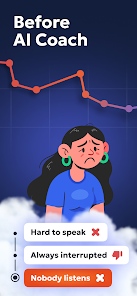
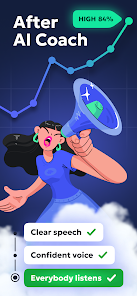
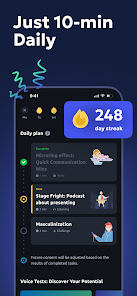
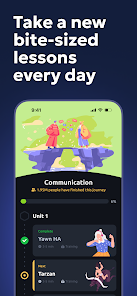
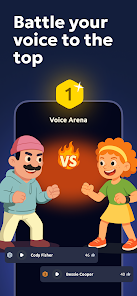
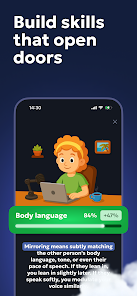
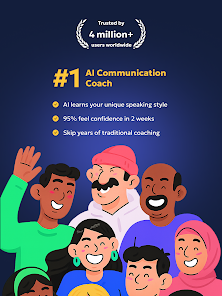
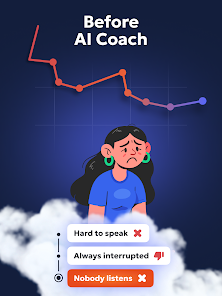
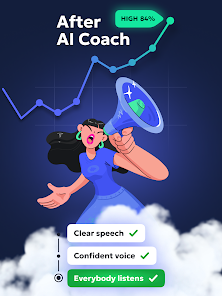
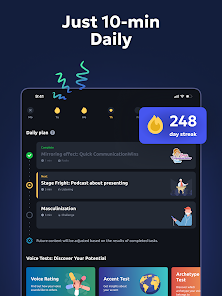
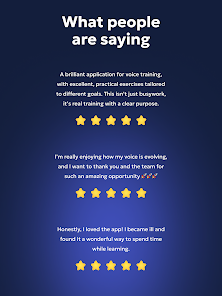
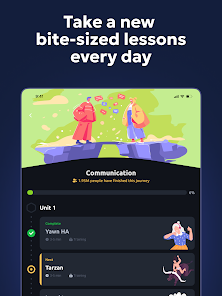
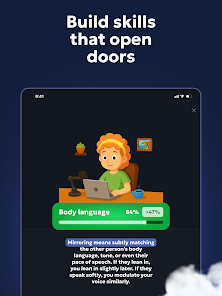

 Vocal Image enhances your voice! Personalized feedback for growth! Practice anytime, anywhere! Engaging exercises for all levels! Boost confidence in speaking!
 Limited language support available Inconsistent feedback quality Requires stable internet access Subscription costs may add up Not suitable for all accents
  Google Play
  App Store

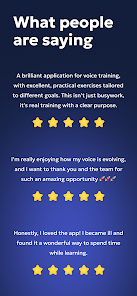
I find the exercises useful. the app keeps crashing through the exercises leading me to not be able to complete them. Also the app has a before and after exercise format that is awesome except when you repeat the exercise trying to make it through the crashes and defeats the whole purpose of a before and after.
The ad was great and what I wanted, But the actual exercises are not of any value so far. they. at 4.99 it were ok, but they not only charge weekly instead of monthly, they double it to 9.99 a week. $40 a month that doesn't allow you to skip boring nonsense and screen transitions and you never have enough time to get to anything helpful. even so, I would have let it ride at 4.99, but I'm getting rid of it for this greed and lack of value. today it just builds the flower and never loads at all.
This app doesn't work at all! They just have a curriculum and short exercises that you do once I could've looked up online. I purposely sounded worse and used their AI coach and it told me my voice improved. There's no loop to help me get better, except they just give 20 numbers on how I compare to the average person. Animations are beautiful, but sometimes constantly causes crashes. Weird random features like choose your own adventure texts and breathing exercises. Not worth $85/subscription!
This is a good app. If you're serious about improving your voice, it will give the tools to do so. But, the tongue twister exercises are bugged and seriously need to be fixed for accuracy. I spent over an hour in a quiet room carefully recording and adjusting my voice, only to be told it was getting worse. I even shadowed the example word for word. When I tested it using identical recordings, the AI gave different results. I'm a native English speaker with a mid-range voice, I have a regular voi
This used to be a good app before they threw a bunch of AI slop at it. I've tried repeatedly to get back into it but it's all conversations with bots now. The majority of the exercises have turned into useless self help phrases rather than actual vocal exercise techniques. It also never understands what you're saying. Maybe a dedicated mic would help but I use other voice apps without an external mic without anywhere near this bad of an issue.
Review Source: Google Play store public user reviews.
Can I submit suggestions or feedback to Vocal Image? Yes, users can submit feedback and suggestions through the app or via the official website to help improve the service.
You can reach customer service through the app's support section or by emailing support
Open the app, enter your registered email and password, then tap 'Log In'.
Yes, after downloading, enter your activation code in the app's settings to activate your account.
The customer number is typically found in the app's settings under 'About' or 'Support'.
We've squashed bugs and boosted performance so your practice sessions run smoother than ever. Keep the streak going!