Category: Education
Developer: Ling Learn Languages
 Verified App


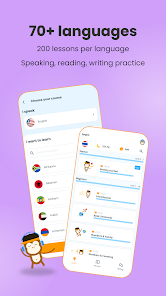
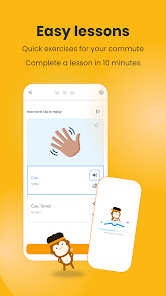
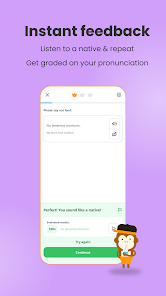
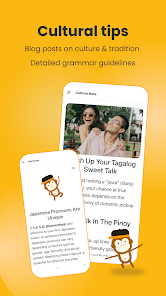
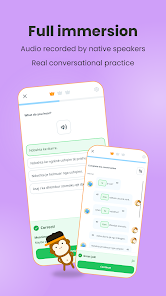
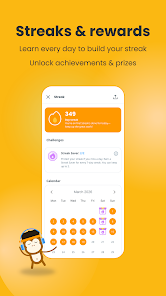
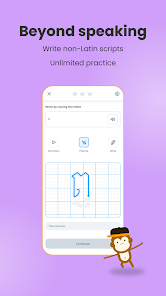
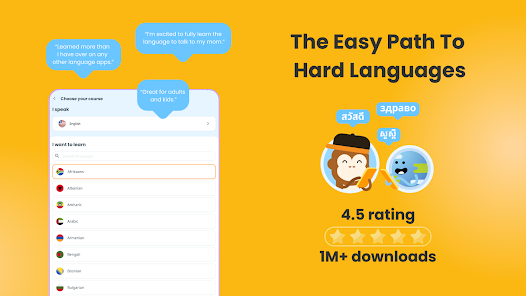
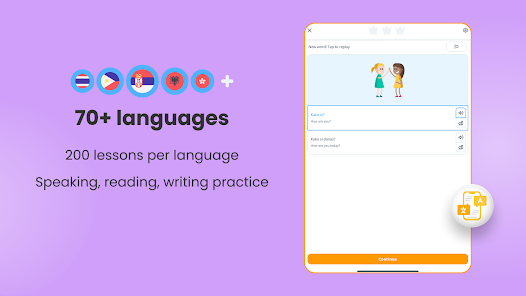
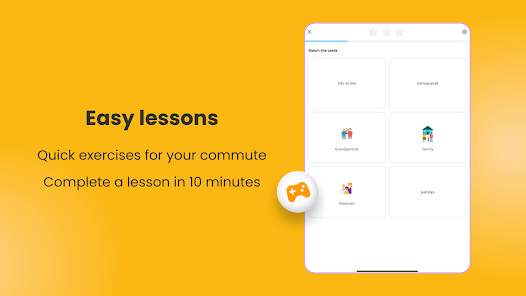
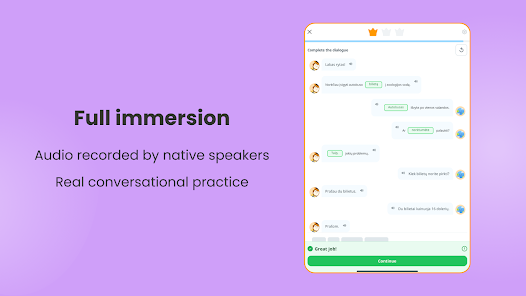
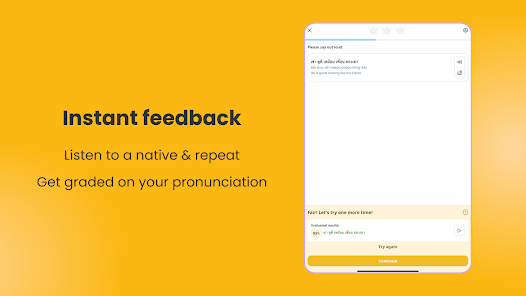
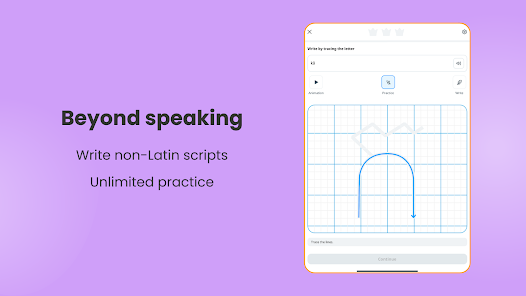
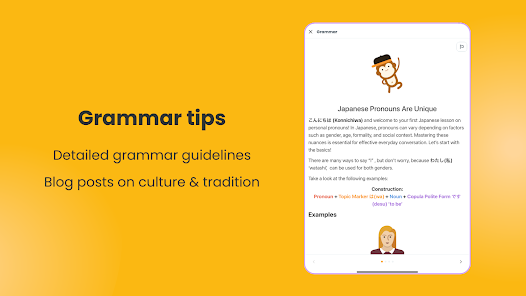

 Unlock your potential with Ling! Enjoy interactive lessons daily! Learn at your own pace! Access diverse languages easily! Practice speaking with native speakers! Fun games make learning engaging!
 Limited language options available Inconsistent lesson quality Lack of speaking practice No personalized learning paths Subscription costs can add up
  Google Play
  App Store

using paid version. I have finished the beginner section of Latvian and my husband (native speaker) says the recordings actually sound like native speakers unlike an app I was using before. Once in a while they choose an odd word that apparently isn't common, but it's not bad. My big disappointment with the app is that the first two sections had grammar lessons (which sold me on pro), but none of the rest do. Kind of a bait and switch for a language so grammar-dependent.
Perfect for a quick lesson to stay on top of grammer and vocabulary. The ability to turn off Romanization really makes this app perfect for reading comprehension. EDIT: However, the speaking modules don't allow enough time for beginners to finish speaking. It would helpful to have a 'stop' button rather than being cut off.
For what it is, it's great. I love it. I just have one major complaint. The reason this gets 3/5 stars is because of how awful the finger tracing is. Some of the necessary lessons to complete involve tracing letters with your finger in order to learn how to write those letters. Great idea, awful implementation. There is an unpredictable delay between when you start pressing down and when the pen tool actually starts writing. These tracing lessons can make the app so frustrating to use.
I've been using this app to help me learn Thai for a handful of months now. It's pretty good in terms of learning vocabulary and sentence structure. What I'd like to see in the future, though, are some kind of videos to go with it. Listening is a hard skill for many people and I think it might be beneficial to have videos that match the lesson, along with a quiz after to see what you've learned. Other than that, it's a solid app.
Huge fan of this app for Dutch, however the speaking portions will frequently give a "Voice Capture Error" repeatedly, and I frequently have to do the speaking sections over because of this. often, I'll have to say several words before the word it wants me to say so that it will register at all. As well, one of the speakers in the Intermediate section speaks at an unbearably slow pace for the regular speed phrases, and it's really jarring.
Review Source: Google Play store public user reviews.
Yes, Ling encourages users to submit suggestions and feedback through the app or their official website.
Ling may collect personal data to enhance user experience, but it adheres to privacy policies to protect your information.
Yes, Ling allows users to download lessons for offline use, making it convenient for learning on the go.
You can cancel your Ling subscription through your account settings in the app or by contacting customer support.
A subscription to Ling typically costs around $7.99 per month, with discounts for longer-term plans.
You can contact customer service through the app's support section or by emailing support
To activate your subscription, go to the settings in the app, select 'Subscription,' and follow the prompts to enter your payment information.
To log in, open the app, enter your email and password, then tap 'Log In.'
The customer number for Ling app support is typically found in the app under the help or support section.
New to Ling? We made a checklist and there's a reward at the endOnboarding Checklist: 6 missions, 1 reward. Explore lessons, Favorites, Flashcards & more, then claim your prize!Streak Challenge: Milestones now go all the way to 365 days. Bigger rewards await. How far can you go?