Version: 7.2.8
Developer: StudyPad, Inc.
 Verified App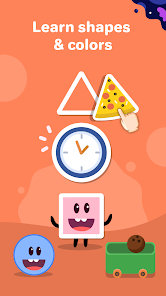
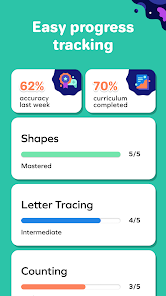
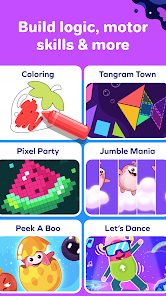
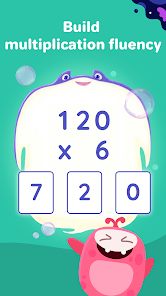
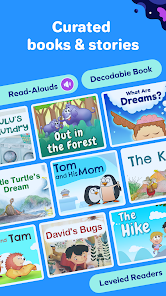
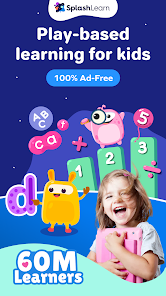
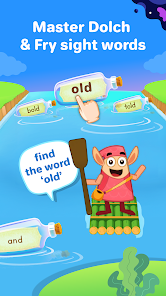
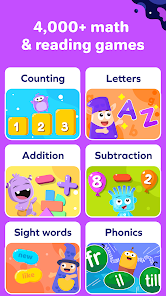

 Engaging and interactive games Personalized learning paths Covers math and reading skills Progress tracking for parents Fun rewards to motivate kids
 Limited free content access Subscription costs can add up Some users report bugs Not all subjects covered well Interface may overwhelm kids
  Google Play
  App Store
 Yes, users can submit feedback and suggestions through the app or the official website to help improve the service.
SplashLearn collects minimal personal data to enhance user experience but prioritizes privacy and data security.
Yes, users can download lessons and access them offline, ensuring learning can continue without an internet connection.
You can cancel your subscription through your account settings in the app or by contacting customer support.
Subscription costs vary, typically starting at a monthly fee, with options for annual plans that offer savings.
You can reach SplashLearn's customer service through their website's support section or by emailing support
After purchasing a subscription, log in to your account, go to 'My Account', and follow the prompts to activate your subscription.
Visit the SplashLearn website or app, click on 'Log In', and enter your registered email and password.
SplashLearn does not publicly list a customer number; please use their online support for assistance.