Category: Sports
Developer: MLB Advanced Media, L.P.
 Verified App



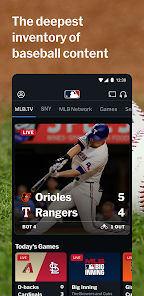
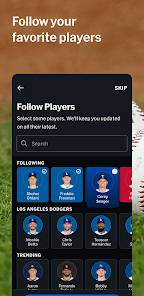
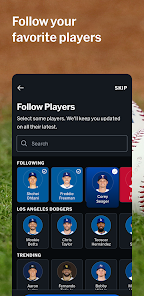
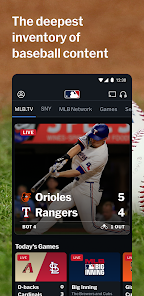
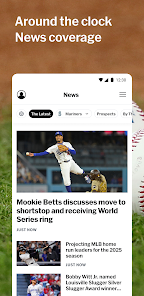
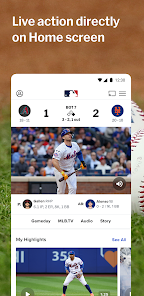
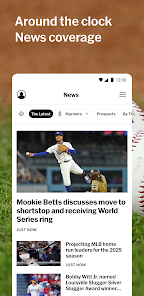
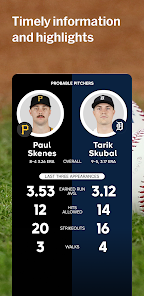
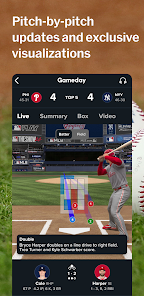

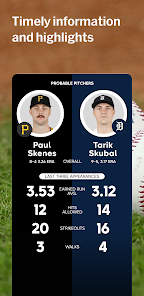
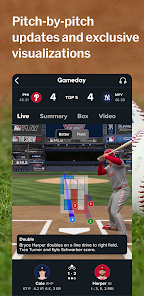
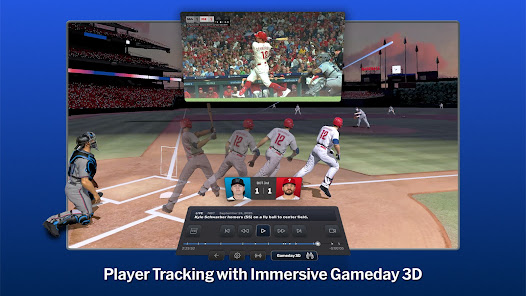
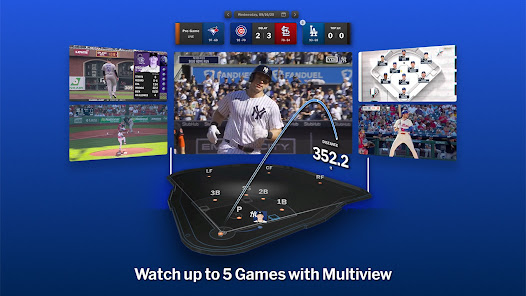

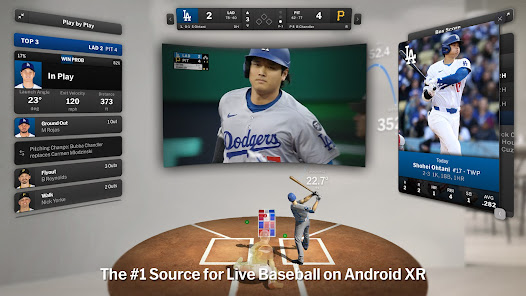
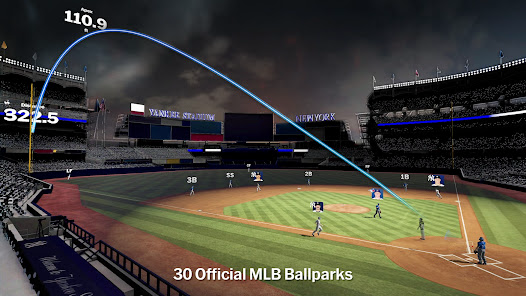
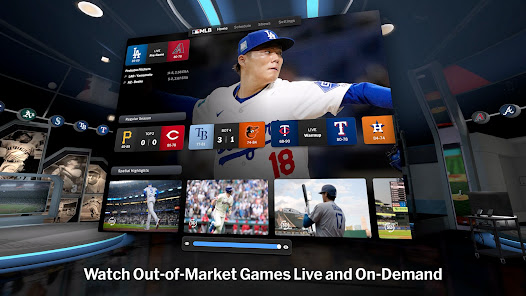
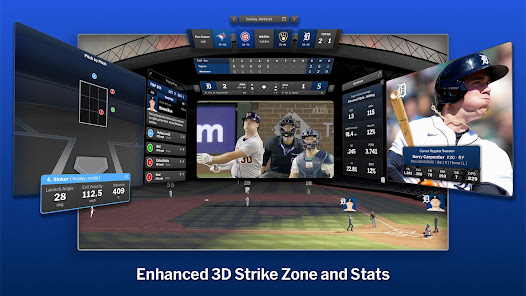
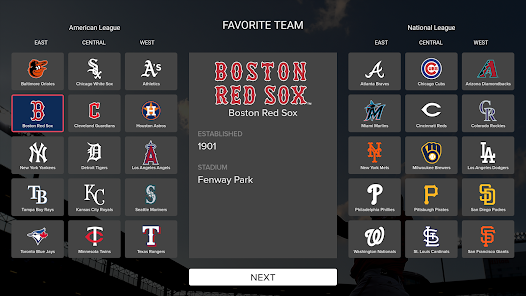
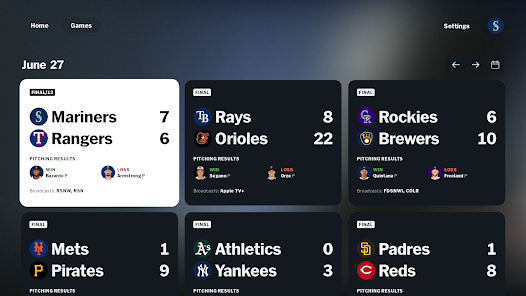
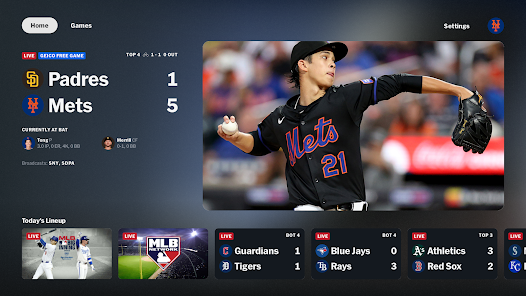
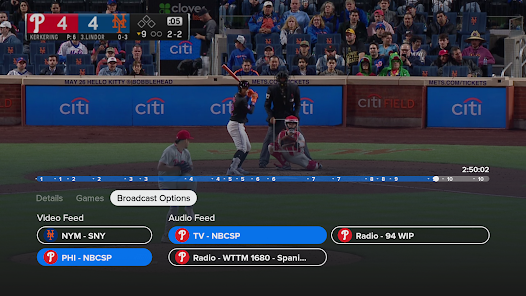
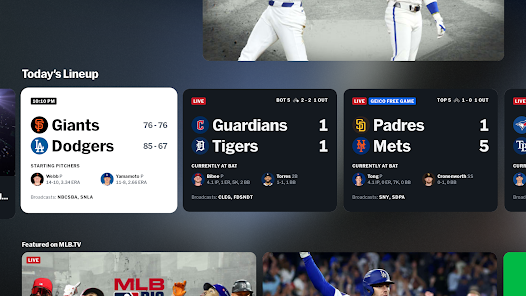
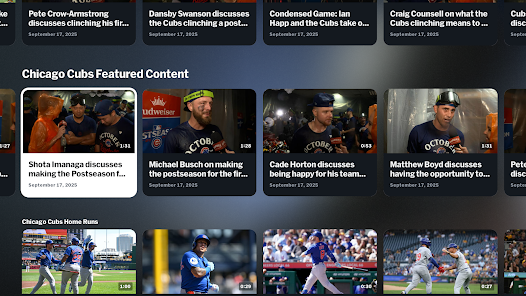
MLB App is the official mobile application of Major League Baseball. It provides fans with access to live scores, news, stats, and video highlights from every game. The app also allows users to customize their experience with their favorite teams and players, and to purchase tickets and merchandise.
Features & Highlights
The MLB app is a treasure trove for baseball fans, offering a wide array of features that cater to both casual viewers and die-hard supporters of the sport. Here are some standout highlights that make this app a must-have for anyone who loves baseball:
Real Experience Using MLB
Application Scenarios
As a lifelong baseball enthusiast, the MLB app has seamlessly integrated into my daily routine in ways I never anticipated. Mornings often start with a quick check of the scoreboard to see how my team fared the night before. On weekends, I tend to use the app while relaxing on the couch, streaming live games directly to my smart TV. During the season, I’ve even made it a point to visit local bars that have MLB Network, using the app to follow along with games and engage with fellow fans. It’s not just a way to watch games; it’s become a social hub for me, connecting me to my friends and family over a shared love for baseball.
User Experience
The user interface of the MLB app is sleek and intuitive, making navigation a breeze. I appreciate how the home screen is organized; it highlights live games, upcoming matchups, and trending news in a visually appealing manner. The workflow is smooth, allowing me to jump from watching a game to reviewing stats with just a couple of taps. Performance-wise, the app is responsive, with minimal lag during live streaming, which is crucial when every second counts in a tight game. After using the app extensively, I’ve found it to be reliable and engaging, sparking my enthusiasm for the sport even more. The seamless transitions between different sections of the app create an immersive experience that keeps me coming back for more.
Pricing
The MLB app is free to download and offers a variety of features at no cost. However, for die-hard fans seeking the ultimate experience, there’s a subscription option available that unlocks live game streaming and other premium content. I personally opted for the monthly subscription during the season, and it has been worth every penny, especially considering the convenience of watching games from anywhere.
Updates & Support
The developers of the MLB app are continually rolling out updates, enhancing the user experience and introducing new features based on user feedback. I’ve noticed improvements in streaming quality and the addition of new interactive features that make watching games even more enjoyable. Customer support is readily available, should any issues arise, and I’ve had a positive experience reaching out for help when needed. They’re responsive and genuinely seem to care about enhancing the user experience.
Security & Privacy Review
As an American user, I often think about the security and privacy aspects of the apps I use. The MLB app is available on both the App Store and Google Play, ensuring it meets the necessary safety standards. Registration requires basic personal data, such as an email address, which is standard for most apps. However, it’s worth noting that the app does collect certain usage data to tailor experiences and advertisements. I appreciate that the app provides transparency regarding its data collection practices, and I have not encountered intrusive ads or tracking behavior that compromises my privacy. Overall, I feel secure using the MLB app, confident that my data is handled responsibly.

 Rich history and tradition enhance fan connection Diverse talent pool showcases global player skills Exciting playoff format keeps viewers engaged Community events strengthen local fan relationships Innovative technology enhances viewer experience
 Games can be excessively long and slow-paced Limited action may disengage casual viewers High ticket prices restrict fan attendance Frequent interruptions disrupt game flow

for the price there are too many games unavailable to watch.
Disappointed...look up eligible devices and eligible OS lists before you buy or you'll have to get a refund. Younger crowd doesn't know, or care. Giving a copy of your house key to at least hundreds of sr-71 data mining computers. This USED TO BE a very nice easy to use service. The game coverage is excellent though some buffering cant watch Gameday in synch with audio. Adjusting +10 -10 no go. Tried Milb app i like minors games-just spins and spins...after clicking "start via MLB" (your acct).
started very good but now, it just keeps on crashing. cant even watch live properly now 😢
Still cannot load news stories or features like "top plays". Can't move from GameDay to a box score back to GameDay; have to start over from the scores or home page. This app just keeps getting worse.
MLB.TV is a wonderful idea and one that's carried out quite nicely... but the Google Cloud app ad that plays when there's no ads to run is outright horrible. a stupid horn blowing every few seconds just makes me turn off MLB.TV. It's too repetitive, keep the ad but make it silent.
Review Source: Google Play store public user reviews.
Yes, MLB may collect personal data as part of its user registration and for providing personalized content and advertisements.
MLB typically offers a free version with limited features, but a free trial of the premium subscription may be available during promotional periods.
Yes, MLB requires an internet connection to stream live games and access content within the app.
You can contact MLB support through the app's help section, or by visiting the MLB website and submitting a feedback form.
You can manage or cancel your MLB subscription through the app's settings or by visiting the subscription management section on the MLB website.
You can contact customer service through the app's settings or visit the MLB Support website for assistance.
The customer service number is available on the MLB Support website under the contact section.
Open the app, tap on 'Log In', enter your email and password, and then tap 'Submit'.
Yes, to activate your subscription, log in to the app and follow the prompts to enter your activation code.
We’re excited to introduce the new MLB Scores Widget. Now you can track real-time updates, daily matchups, and final scores all from your home screen.

SEGA FOOTBALL CLUB CHAMPIONS

Mini Golf Club-PvP Multiplayer

CBS Sports App: Scores & News

sportsYou

TeamReach - Your Team App

Zepp

Ragdoll Basketball 3D

Fishbrain - Fishing App

SportsEngine – Team Management

Willow - Watch Live Cricket

UDisc Disc Golf App

TCG Card Scanner TCG Collector
 Google Play
  App Store