
Category: Productivity
Developer: Fourth Enterprises, LLC
 Verified App


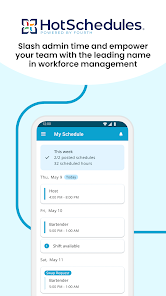
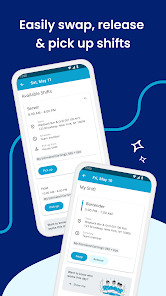
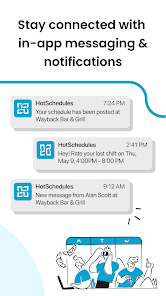
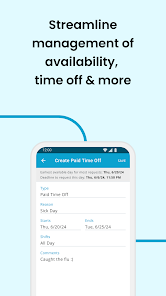
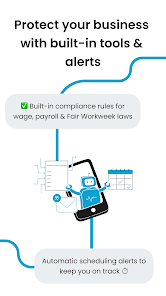
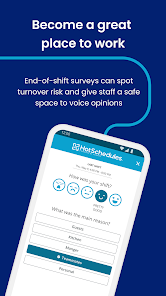
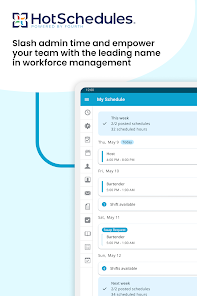
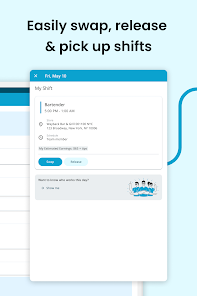
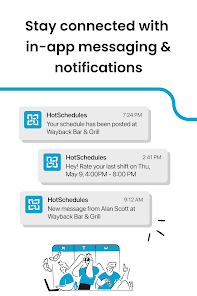
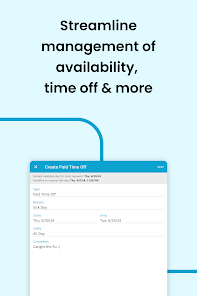
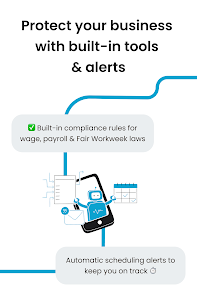
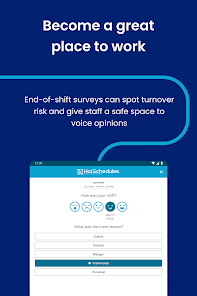

 Experience seamless teamwork Stay organized with tasks Real-time collaboration tools User-friendly interface design Secure data protection features
 Limited customization options Steep learning curve for users Occasional performance issues Lack of offline functionality Inconsistent customer support
  Google Play
  App Store

App was awesome the first few months and then all of a sudden it wouldn't let me log in. Saying my password or username was incorrect. I changed my password and I've uninstalled and reinstalled several times and I still get error messages. Now I can't even log in. I see LOTS of people having the same issue. This needs to be fixed because my work is all about using this app for requesting off and finding somebody to cover your shift. It's left up to us and we get reprimanded for it
The app is a great 1 to use, but the new update has made it to where no one can sign in and use the app properly. It is very annoying when I rely on it every day for my schedule and I can't get into my schedule Through the app. Even after uninstalling it and re-installing it. It crashes instantly every time. Need to fix this for Android users immediately. 😡
Horrible. The app crashes all the time right now, and I can't get into the app. If I was sick and needed to release my shift, I wouldn't be able to. If I needed to request time off, I couldn't. I have uninstalled and reinstalled 5 times already. Changed my password. What do I get an error with logging in. My login and password are both correct. Once I get it, it will work for 30 seconds, then crash. Then ur back to square 1. Horrible app......
Agree with other reviews, the new update has me constantly trying to sign in, but can't 8/10 times. Mostly it won't accept typed in password, didn't save the log in like before, and a few times would accept my fingerprint to log me in, but now not even that. Mostly use to view my schedule (thankfully I get that emailed to me as well), but time off requests, etc are only accepted via this app. As a single mom, this is important to be able to access.
Please fix the login feature!! This app logged me out on some random day and hasn't let me log back in! Keeps saying "login error" even my manager tried to see what was wrong and it still didn't work for her. Now I have to view my schedule on my computer which takes more work honestly. Even tried reinstalling the app multiple times and it still hasn't changed anything for me!
Review Source: Google Play store public user reviews.
Can I submit suggestions or feedback to HS Team? Yes, HS Team encourages user feedback and suggestions through the app's support section.
You can reach Customer Service through the app's support section or by emailing support
To activate, click the link in the confirmation email sent after registration.
Open the app, enter your registered email and password, then tap 'Log In.'
Your Customer Number can be found in your account settings under 'Profile' in the app.
Bug fixes & performance improvements