Version: 3.4.7
Developer: eyeo GmbH
 Verified App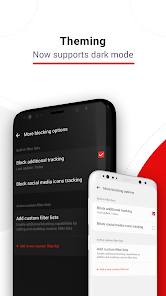
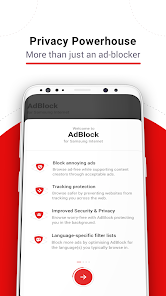
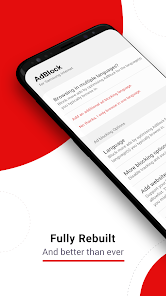

 Enhance your browsing speed Block intrusive ads easily Protect your privacy online Enjoy a cleaner interface Save data while surfing
 AdBlock can slow down browsing Some sites may not load fully Loss of revenue for creators Limited access to content Potential for missed ads
  Google Play
  App Store
 Can I submit suggestions or feedback to AdBlock for Samsung Internet? Yes, you can submit feedback through the app or their official website.
You can reach AdBlock customer service through their official website or support email. Check the app for specific contact details.
To activate, open the Samsung Internet app, go to settings, select 'Extensions,' and enable AdBlock.
Open the AdBlock app, tap on the menu, and select 'Log In' to enter your credentials.
AdBlock does not have a specific customer number; use their website or app for support inquiries.