Category: Medical
Developer: RxSaver, Inc.
 Verified App


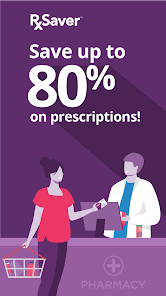
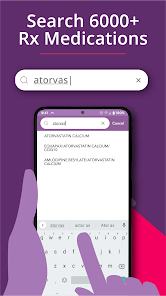
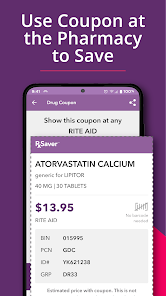
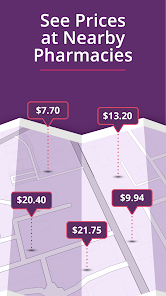
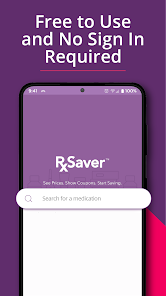
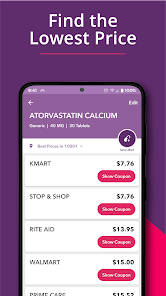
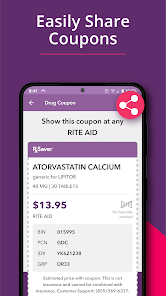
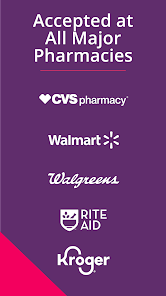

 Save up to 80% on meds Compare prices at pharmacies Access exclusive discounts easily Find coupons for your prescriptions User-friendly interface for all
 Limited pharmacy options available Inconsistent pricing across stores User interface can be confusing Requires internet for full access Not all medications covered
  Google Play
  App Store
works grate
Fun!
Perfect!

Used app for a long time; it was lower than Safeway Rx. One day Safeway attendant used their app; it was less than GoodRx. I have several Rx apps and when Safeway texts me Rx ready, they usually include the price. Sometimes I have to call them and ask for quantity and/or mg. I compare my various Rx apps to find the one that is lowest cost, and print that coupon out. Usually now, most of them are lower than GoodRx. Am I going to delete GoodRx....NO...maybe they will negotiate better prices.
app doesn't work
Review Source: Google Play store public user reviews.
Can I submit suggestions or feedback to RxSaver? Yes, users can submit feedback and suggestions through the app or the website's contact form.
Yes, you can update your personal information in the app by going to the account settings section.
You can contact Customer Service through the app's help section or visit the RxSaver website for support options.
You can provide feedback through the app's feedback section or by contacting customer service via the website.
To delete your account, contact customer service through the app or website for assistance with account deletion.
To log in, open the app and enter your registered email and password. If you forgot your password, use the "Forgot Password" link.