Category: Personalization
Developer: Print Photos - 1 Hr Phone Printing
 Verified App


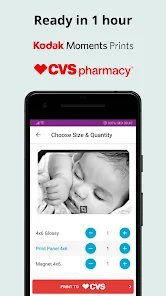
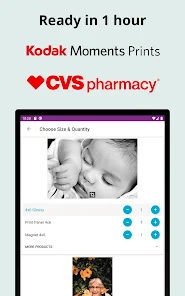
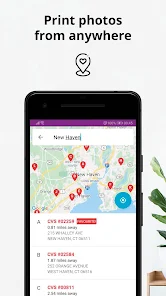

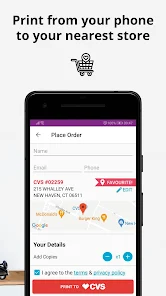
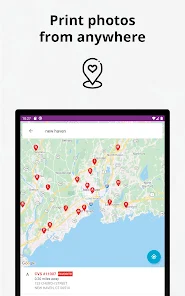
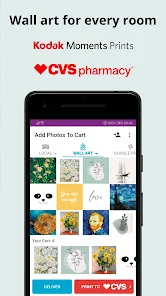

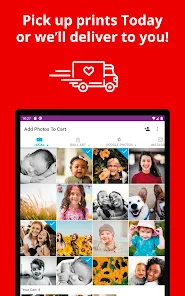
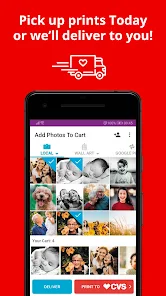
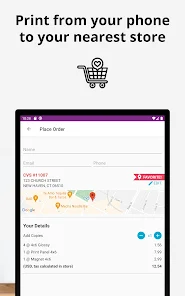

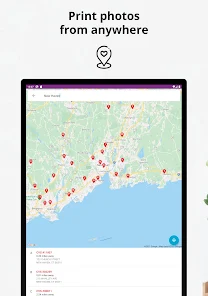
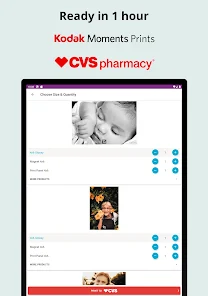
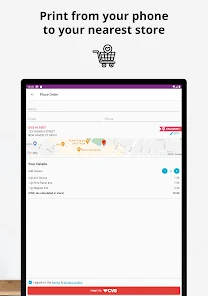
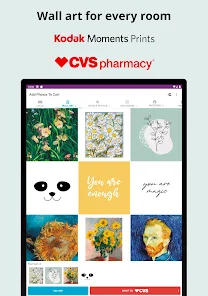
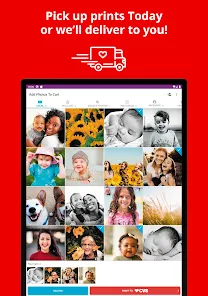

 Easily order prints online Fast and convenient service Wide range of print sizes High-quality photo options Pick up at your local CVS
 Limited editing options available Higher prices than competitors Inconsistent print quality issues User interface can be confusing Longer wait times for orders
  Google Play
  App Store
all good 💯
Always easy to use and I get free photos all the time with T-Mobile Tuesdays
perfect
Great app
Excellent, no issues!❤️💋
Review Source: Google Play store public user reviews.
Yes, users can submit feedback through the app or contact customer support directly.
Yes, the app may collect personal data to process orders and improve user experience.
Yes, users can access certain features offline, but an internet connection is required for placing orders.
Since there is no subscription, cancellation is not applicable; simply stop using the app.
The app does not require a subscription; users pay per order instead.
You can contact CVS Photo customer service at 1-800-746-7287 for assistance.
Open the app, tap on "Log In," enter your email and password, then tap "Sign In."
If you need to activate your account, check your email for an activation link sent by CVS after registration.
The customer number for CVS Photo is typically your CVS account number, which can be found in your account settings.
CVS Photo Printing from Your Android Device- Home delivery available, have your prints delivered to your door- Bug fixes and UX improvements

Easy Mail - Email Launcher

Big Keyboard: Easy Launcher

Colliz - DIY Wallpaper Craft
Emoji Up genmoji sticker maker
Zipper Lock Wallpapers Screen

XPhoto: AI Video Generator
Themes It!

Stardust Kitten

Snowella
Oogly Aureva Luna

OneUI Fluffy Icons

Icon Pack Studio