Category: Music & Audio
Developer: Musicnotes
 Verified App


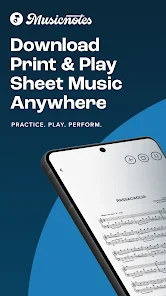
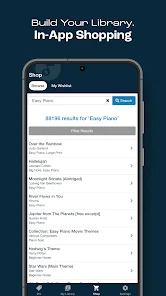
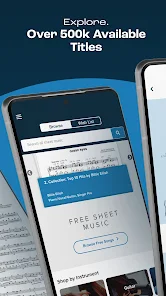
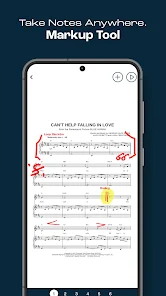
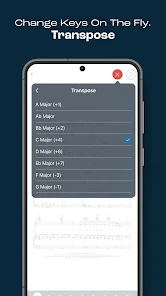
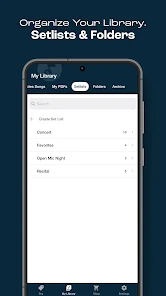
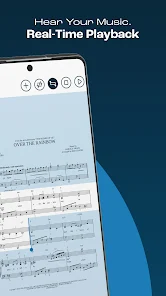

 Experience seamless playback Access a vast music library Customize sheet music display Loop sections for practice Sync with your favorite devices
 Limited offline access options Subscription model can be costly User interface may feel cluttered Occasional syncing issues arise Not all songs available instantly
  Google Play
  App Store
Apart from a dynamic and rhythm tweak on the player. It is brilliant. Used it for years now. It allows you to choose and print music that you want without necessarily having to buy a book, where some pieces or one piece you msy not want. The player is good in that it shows you where certain notes are played. For example I'm learning Arabesque 1 by Debussy. Beautiful piece but some of the notes is hard to place. so its good to refer to. I get lost otherwise.
versatile and comprehensive.
this is a wonderful app especially for those who sings solos you can change the tempo how fast are so you want it but also you could say the musician can listen to it as well and follow it is absolutely wonderful great app
Found the exact music I needed (as usual) right away. Thanks, y'all!

difficulty in actually downloading 7
Review Source: Google Play store public user reviews.
You can reach Customer Service by visiting the Musicnotes website and using the contact form or calling their support number listed on the site.
Open the app and tap on the "Log In" button. Enter your registered email and password to access your account.
If activation is required, you will typically receive an activation code via email after purchase. Enter this code in the app to activate it.
The customer support number for Musicnotes is typically found on their website under the support section. Please check there for the most accurate information.
We've made some noteworthy updates! Here's what's new in this release:• Behind-the-scenes updates to support an improved customer experienceWe take care of the details so you can master the music!

TouchTunes: Play the jukebox
Votune - Vocal Remover

Shoom - AI Music Generator

Rhythm Music - Offline Player
Funny Voice Reverse

AI Song Generator - Jukebox

PlayScore2 needs hi-end camera

MD Vinyl - Music Player Widget

Sheet Music Scanner Pro

MUBR - see what friends listen

Bose QC Earbuds

iSyncr: iTunes to Android