This site uses cookies to enhance your user experience. By clicking any link on this site you are giving your consent to our cookie policy. Read more
Reject
Accept All

Advertiser and Editorial Disclosures

Invitation Maker & RSVP Cards

Invitation Maker & RSVP Cards

Category: Events

Developer: Photo Studio & Picture Editor Lab

Verified App

Rating: 4.9
Price: free
Age Rating: Everyone
Version: 148.0
Updated on: Jul 3, 2026
Available on: /
Screenshot 1
Screenshot 2
Screenshot 3
Screenshot 4
Screenshot 5
Screenshot 6
Screenshot 7
Screenshot 8
Screenshot 9
Screenshot 10
Screenshot 11
Screenshot 12
Screenshot 13
Screenshot 14
Screenshot 15
Screenshot 16
Screenshot 17
Screenshot 18
Screenshot 19
Screenshot 20
Screenshot 21
Screenshot 22
Screenshot 23
Screenshot 24
Screenshot 25
Screenshot 26
Screenshot 27
Screenshot 28
Screenshot 29
Screenshot 30
Screenshot 31
Screenshot 32
Pros
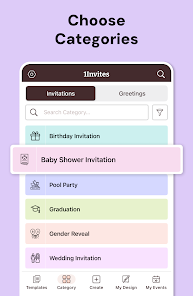
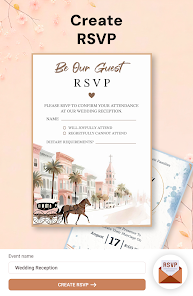
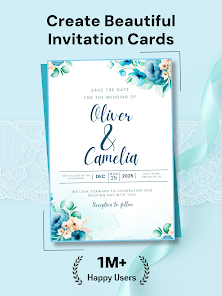
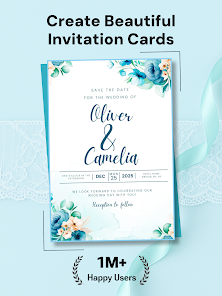
  • Create stunning invitations
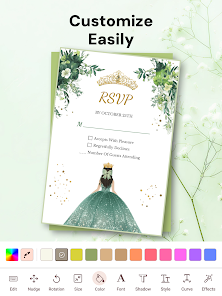
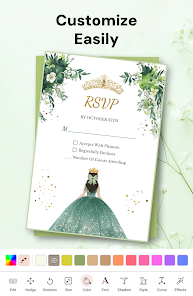
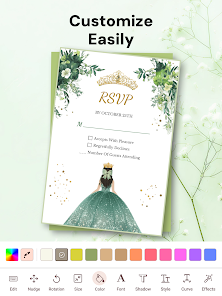
  • Customize RSVP cards easily
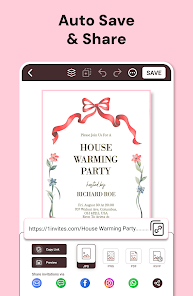
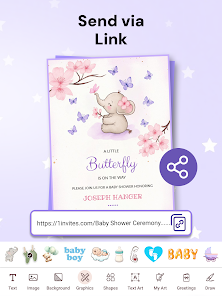
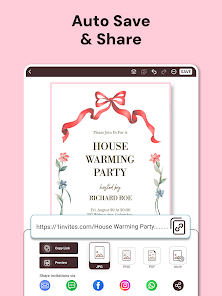
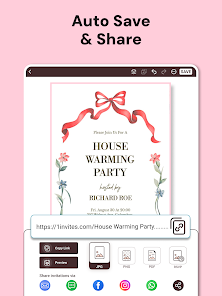
  • Share via social media quickly
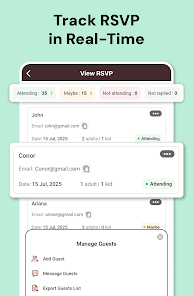
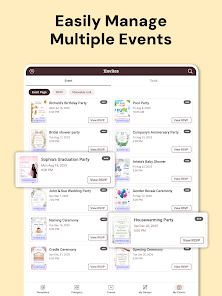
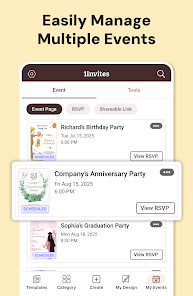
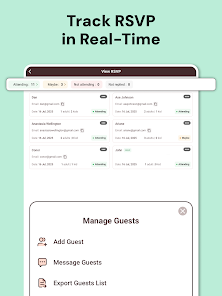
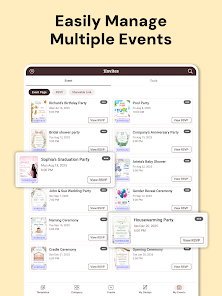
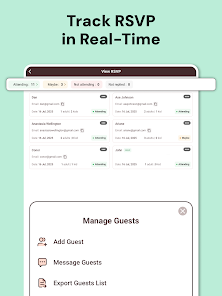
  • Track responses in real-time
  • User-friendly interface design
Cons
  • Limited customization options
  • User interface can be confusing
  • Ads may disrupt user experience
  • Exporting designs can be tricky
  • Lack of advanced features

User Reviews

  • C
    Chinni Sree
    2026/07/03

    good

  • S
    Suvarnababu Gaddala
    2026/07/03

    good

  • S
    Saleh Zake
    2026/07/02

    nice app

  • S
    sifiso cele
    2026/07/02

    Nice and really helpful app download it Now!

  • N
    Nagendra H N
    2026/07/02

    good

Review Source: Google Play store public user reviews.

FAQ

1

Can I submit suggestions or feedback to Invitation Maker & RSVP Cards? Yes, users can submit feedback and suggestions through the app's support section or via email to the development team.

How to use Invitation Maker & RSVP Cards

1

How can I contact customer service for the Invitation Maker & RSVP Cards app?

You can reach customer service through the app's support section or by emailing support

2

How do I log in to the Invitation Maker & RSVP Cards app?

Open the app, tap on 'Log In', and enter your registered email and password.

3

Is there a way to activate the premium features in the app?

Yes, you can activate premium features by purchasing a subscription through the app's settings.

4

What is the customer number for the Invitation Maker & RSVP Cards app?

The customer number is typically found in the app's settings under 'Help' or 'About'.

What's New

💌 Create stunning invitations — and track who’s coming with RSVP✨ Beautifully designed invites 🚀 Share anywhere in seconds 💌 Smart RSVP tracking 🎉 All-in-one event manager Install 1Invites today — where every celebration starts beautifully.

Editor's Choice