
Category: Comics
Developer: AppVerseStudio
 Verified App


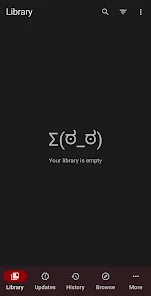
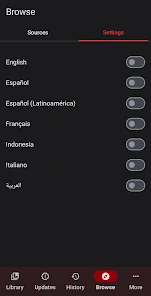
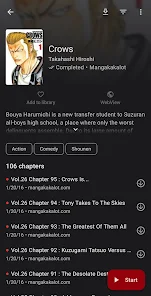
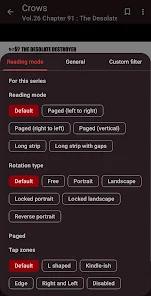
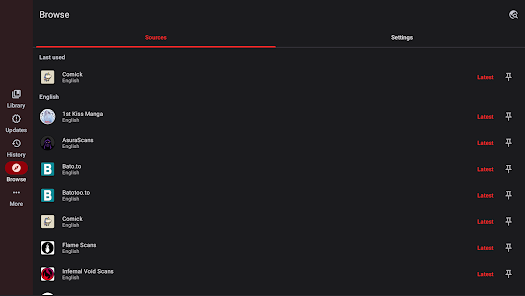
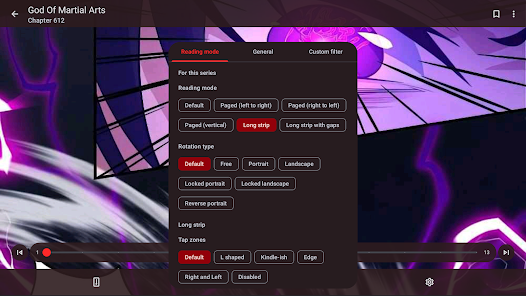

 Abyss Reader offers seamless reading Enjoy a clean, distraction-free interface Supports various eBook formats Sync your library across devices Customize your reading experience easily
 Limited customization options Occasional syncing issues User interface can be clunky Lacks advanced search features No built-in annotation tools
  Google Play
  App Store

As far as manga readers with ads go, this is one of the best. Typically I only need skip one ad at most per reading session, and sometimes not at all. There are tons of customization options which is also very nice. This could honestly be the best manga reader out there except for one glaring flaw which is the hellishly slow load/download time for pages. I'm on a brand new phone and connected to fiber internet and it sometimes takes almost 30 minutes to download a chapter, not exaggerating.
Love it! Since I was a kid I'd go through searches on all the different websites taking forever to find what I want to read. And you could forget it if you wanted to download anything! Now, I have yet to find an app with as many sources as well as a clean reading experience with minimal ads and so much personalization! I'll cry if it ever updates out of my old rinky-dink tablet's OS 😭 (Which it still runs perfectly on BTW)
It's a fantastic app that's pretty simple to use, but is anyone else randomly hearing music? This is brand new, and it's honestly a little distracting, and I can't find a way to turn it off It's a piano that stars playing when the banner of ads starts and I thought I was going crazy but no the app plays some sort of classical song! Team, beautiful as it sounds, can I turn this feature off somewhere or where did I go wrong? 😅
I enjoy the app. 1 major issue i have is that some pages dont load. it tells me there's an error and to retry. but I constantly press the button, I even close out the app and load back in, and it does the same thing. Nothing works. there are always a few missing pages per chapter, and it's irritating because I miss some important parts and some rich scenes. literally every story I read, there is always a missing page. im tempted to just give it a 2 star rating because it happens every chapter.
it's amazing, has any and every manga i can think of and you can browse to look for new ones without recommendations, too bad there isn't a version that lets you get light novels but I'm in love with this app. none come close and it's completely free. Download and you won't regret
Review Source: Google Play store public user reviews.
You can contact customer service through the app's support section or visit their official website for assistance.
If activation is required, check your email for an activation link after registration and follow the instructions provided.
Open the app, tap on the login option, and enter your registered email and password to access your account.
No activation is required; simply download the app and start using it right away.
The customer number is typically found in the app's settings or on the official website under the support section.
AbyssReader 6.0- Manga migration between sources (single & mass)- Home screen widgets with recent updates- Upcoming releases screen- Manga notes- Selective backup & restore with app settings- Updates tab filters- Configurable parallel downloads- Copy page image to clipboard- Improved Cloudflare detection- Updated broken sources and added new ones- Bug fixes and performance improvements